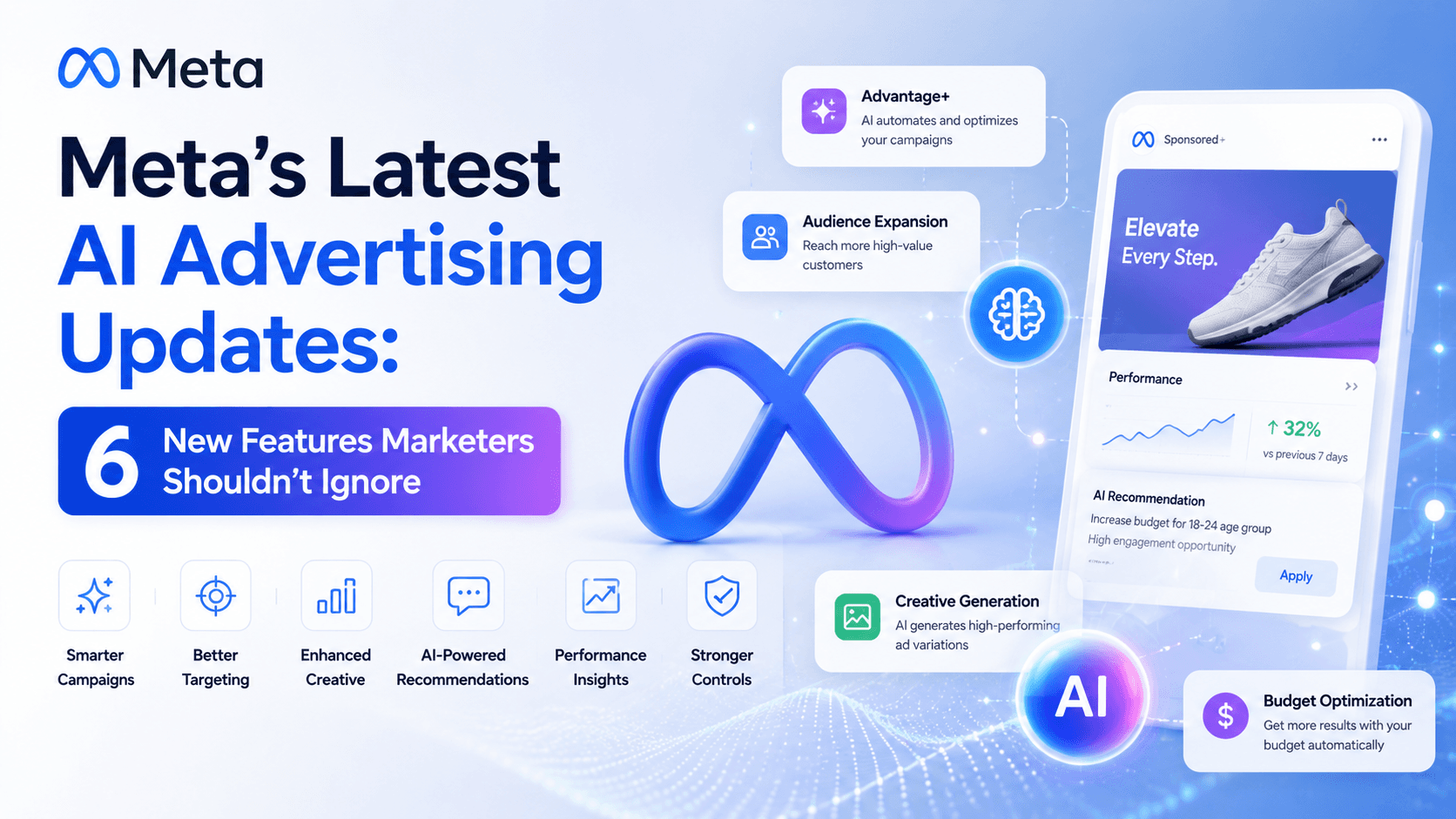
Meta's latest AI advertising updates are pushing advertisers toward more automated workflows. Recent changes introduce more AI into creative production, customer engagement, and commerce management. The direction is clear: advertisers are being asked to focus more on high-level strategy while AI handles more of the tactical execution. For marketers, this means adapting to new tools that manage everything from customer service chats to ad creation.
Below are six specific features rolling out now: what they do, who they fit best, and what to watch out for. If you run paid social for a small team or manage client accounts, these Meta advertising updates are becoming central to day-to-day operations. This overview provides the strategic context, a breakdown of all six features, and practical advice on what to review before you enable them.
Why These Meta Ads Updates Matter
Since the rollout of its Advantage+ suite, Meta has consistently swapped manual campaign levers for automated ones. The strategy is to embed AI and automation deeper into the advertising platform, from creative generation to customer service. These new features continue that trend, aiming to improve efficiency and simplify campaign and commerce management for businesses.
These updates bring AI-powered assistants, new reporting views, and automated creative tools to the forefront. For advertisers, this can mean faster campaign adjustments and new ways to engage customers. However, it also requires giving up some manual control and placing more trust in Meta's systems, which makes careful monitoring essential.
1. Meta Business Agents for Always-On Customer Responses
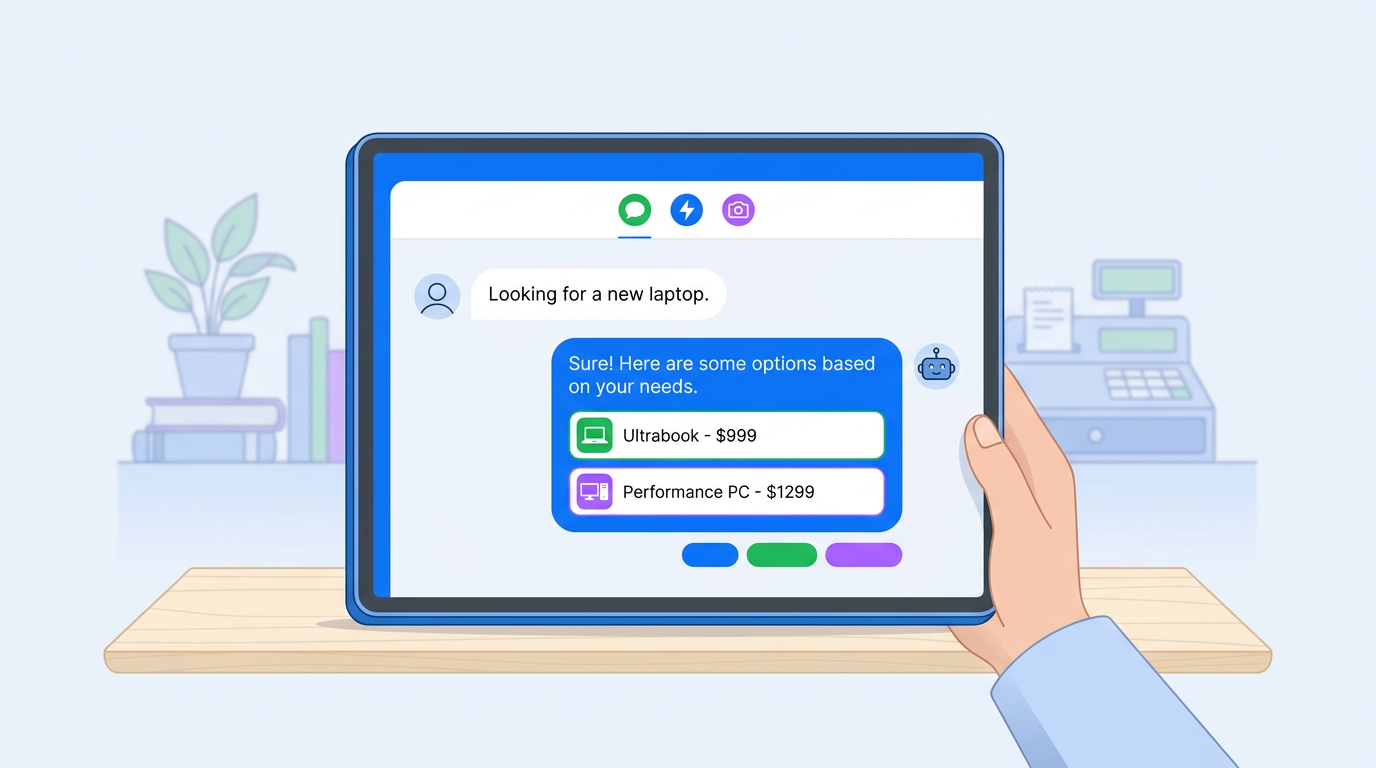
Meta is rolling out Meta Business Agent, an AI tool that can respond to customers 24/7 on WhatsApp, Messenger, and Instagram. According to Meta, the agent can answer common questions, recommend products, and handle inquiries about pricing and shipping based on your business information. It is designed to act as a customer-facing assistant, not a campaign manager.
This feature is positioned to help businesses of all sizes manage customer interactions more efficiently, especially outside of business hours. Businesses can join a waitlist for early access, with Meta confirming a global rollout is underway. The AI can be trained on your past message history to better match your brand's tone. Since it's a new system, it's wise to monitor its conversations to ensure accuracy and a positive customer experience.
2. Group Ads Manager Tables by Funnel Stage
A new reporting feature in Ads Manager allows you to group campaigns and ad sets by their position in the sales funnel. This view is available at the campaign and ad set levels through the "Breakdown" menu. By using the "Group table by" toggle and selecting "Funnel stage," advertisers can see their data organized into top-of-funnel, middle-of-funnel, and bottom-of-funnel categories.
This update helps marketers quickly analyze performance across the entire customer journey without building complex custom reports. It is especially useful for advertisers running full-funnel strategies who want a clearer view of how awareness, consideration, and conversion campaigns are performing relative to each other. Check your Ads Manager account to see if this breakdown is available to you.
3. Image Generation from Uploaded Videos
Meta is adding a new generative AI feature at the ad level called "Image generation." This tool uses Meta AI to analyze an uploaded video and create multiple static images from it. This allows advertisers to quickly generate a variety of image assets for their campaigns directly from a single video source, speeding up the creative production process.
For teams with limited creative resources, this feature offers a fast way to produce still images for placements that require them. However, as with any AI-generated content, it is critical for marketers to carefully review all outputs. Check each image for brand consistency, visual quality, and overall accuracy before publishing the ad to ensure it aligns with your standards.
4. Add Product Browsing to Ads
"Add product browsing" is a new creative enhancement that creates a more interactive experience when a user clicks on an ad. It uses data from your Meta Pixel to generate a product showcase complete with product information and personalized recommendations. This turns a standard image or video ad into a mini-storefront, allowing users to explore products without leaving the app.
This feature is best for e-commerce and DTC brands with a well-maintained product catalog and an active Meta Pixel. It aims to shorten the path to purchase by showing relevant products immediately. Before enabling it, ensure your Pixel and catalog data are accurate, as the feature relies on this information to generate the product experience. Review the user experience to confirm it functions as expected.
5. Automated Shipping and Returns Profiles in Commerce Manager
Meta may now automatically create "shipping and returns" profiles in Commerce Manager by detecting this information from your website. This is intended to streamline the setup process for businesses using Meta Shops by pre-populating policies. These profiles are a required part of setting up a shop, and this automation can speed up the process.
While convenient, it is essential to verify the accuracy of any auto-generated profiles. Go into your Commerce Manager settings to review the shipping rates, timelines, and return policies that Meta has detected. You can edit the information or turn off the automated profiles if you prefer to configure them manually. Incorrect shipping or return information can lead to poor customer experiences, so a manual check is highly recommended.
6. Add Details to Ad Layout
"Add details to ad layout" is a creative enhancement available in Advantage+ Creative that showcases product images from your catalog alongside your main ad creative. This feature dynamically pulls relevant products and displays them as part of the ad, giving users more context and options to explore. It is designed to enrich standard ads with more product-specific information.
This enhancement is most effective for e-commerce brands with a large catalog. It can increase the relevance of your ads by highlighting specific products a user might be interested in. As an automated enhancement, marketers should use the ad preview to see how these details are added to the layout. Review the final look to ensure the additional elements do not clutter the main creative or misrepresent the products.
All 6 Meta Ads Updates at a Glance
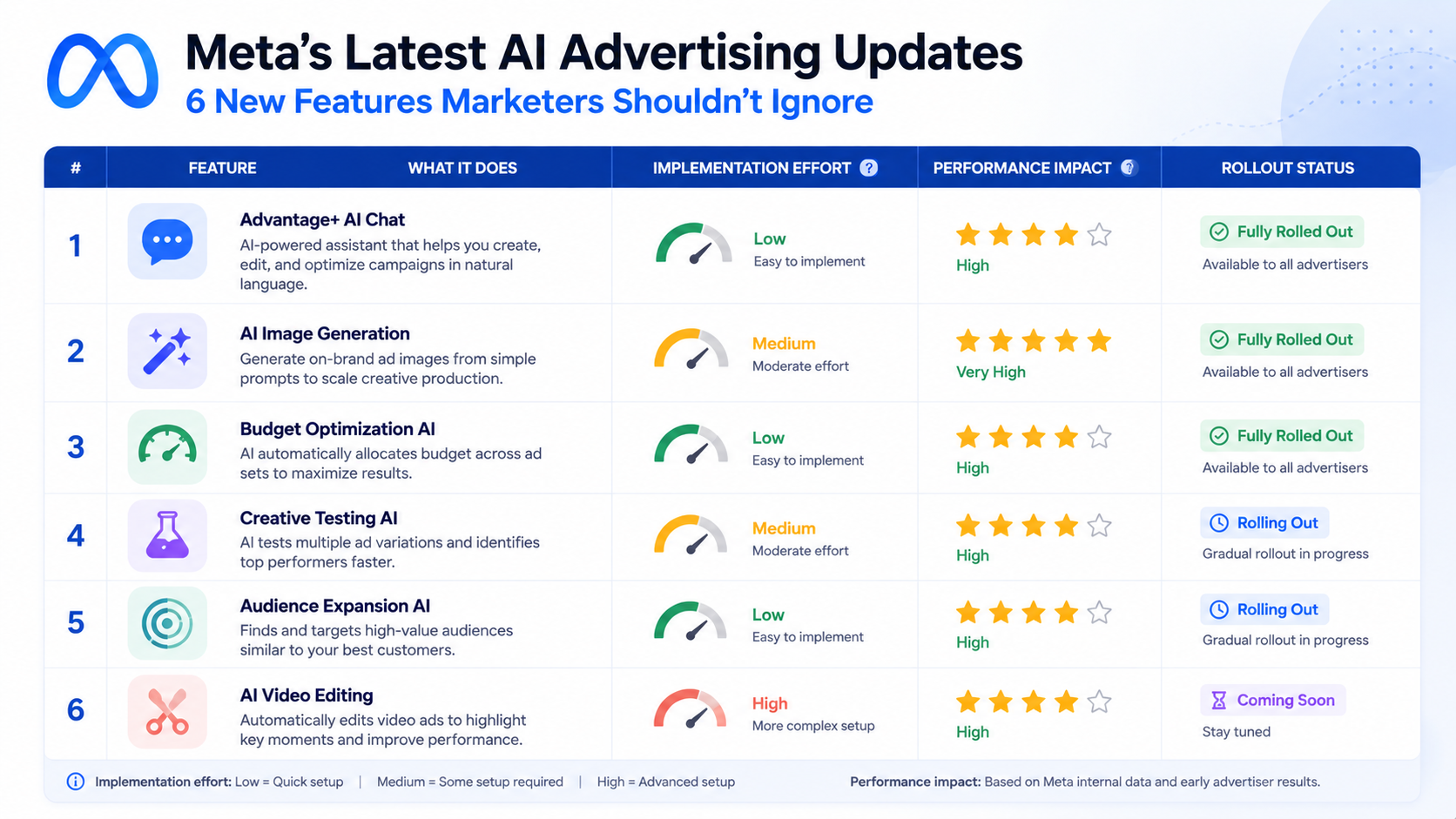
| Feature | What It Does | Best For | Implementation Effort | Rollout Status |
|---|---|---|---|---|
| Meta Business Agent | AI assistant for 24/7 customer chat on WhatsApp, Messenger, and Instagram | Businesses of all sizes | Low | Rolling out globally |
| Group Tables by Funnel Stage | Organizes Ads Manager data by TOF, MOF, and BOF | Advertisers with full-funnel strategies | Low | Available in some accounts |
| Image Generation from Video | Creates static images from an uploaded video using AI | Teams needing creative variety quickly | Low | Rolling out |
| Add Product Browsing | Creates a clickable product showcase from an ad using Pixel data | E-commerce & DTC brands | Medium | Available in some accounts |
| Automated Shipping Profiles | Detects shipping/return info from a website for Commerce Manager | New Meta Shops setups | Low | May be active |
| Add Details to Ad Layout | Showcases product images alongside the main ad creative | E-commerce with large catalogs | Low | General Availability |
| Status and impact ratings based on Meta's 2026 rollout documentation and initial advertiser reports. |
What Marketers Should Do Before Enabling These Features
Activating every new feature at once can make it difficult to understand what is driving performance. A better approach is to review and enable them thoughtfully.
A simple checklist to follow:
- Review AI-Generated Content: For features like "Image generation from video," always review the output for brand alignment, accuracy, and quality before publishing.
- Verify Automated Information: For features like automated shipping profiles, double-check the information pulled by Meta in your Commerce Manager to ensure it is correct.
- Check Your Data Sources: Features like "Add product browsing" depend on accurate Pixel and catalog data. Ensure your tracking and product feeds are clean and up-to-date.
- Use Previews: For creative enhancements like "Add details to ad layout," use the ad preview feature to see how the final ad will look across different placements.
- Start with a Test: Before rolling out a new feature like Meta Business Agent across your entire customer service flow, consider a limited test to understand its performance and impact.
Why Brand Monitoring Matters as Meta Adds More Automation
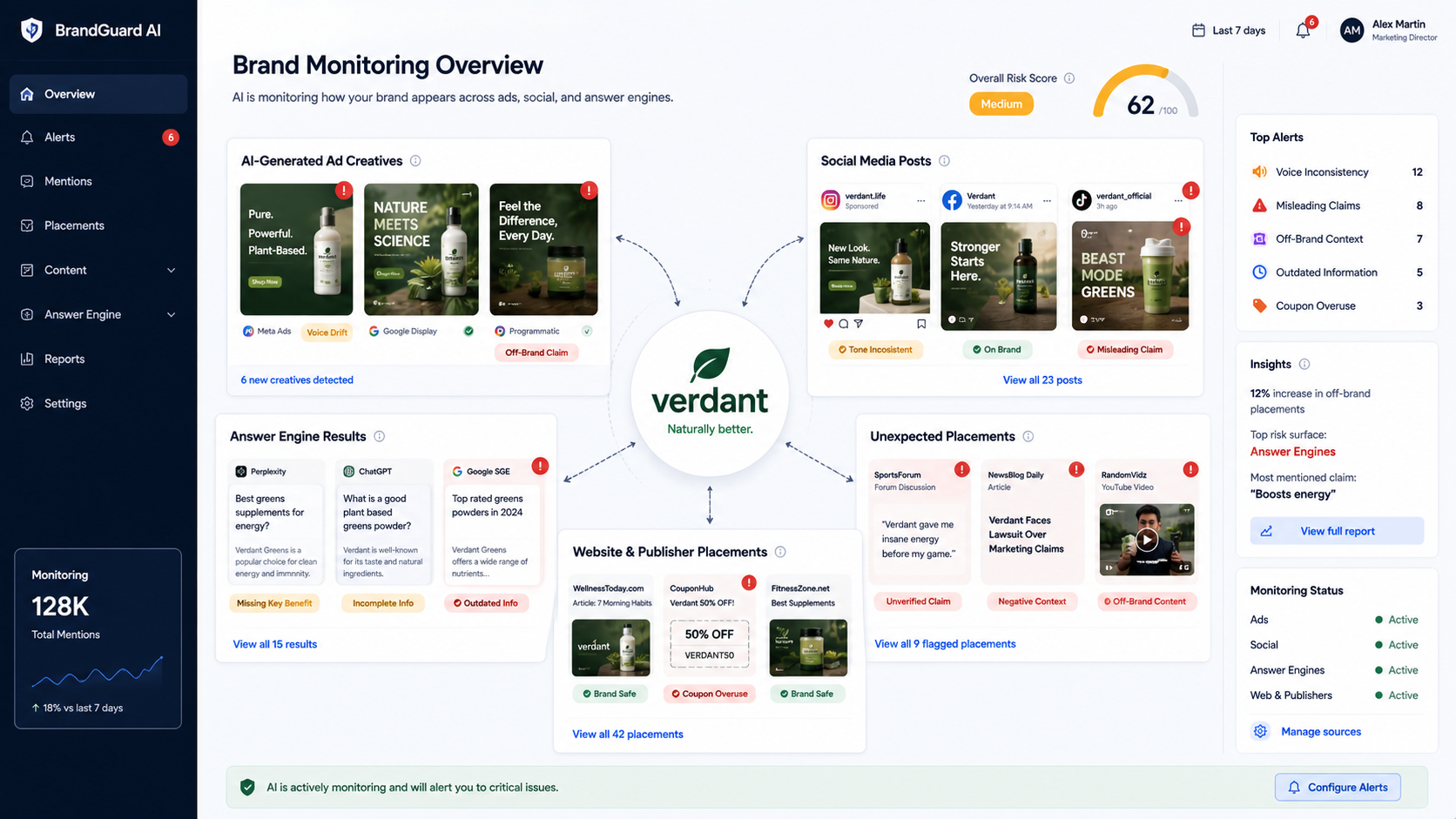
As Meta's AI takes over more creative and customer-facing choices, your brand's presentation becomes harder to control with traditional methods. AI-generated assets can dilute your brand voice, and automated assistants can misrepresent information. The marketers who succeed in this environment will be those who pair automation with disciplined oversight of how the brand is represented online.
FAQ: Meta AI & Commerce Updates
Common questions about these Meta advertising updates:
- Are these new Meta Ads features available to all advertisers? Availability varies. Some features like "Add details to ad layout" are widely available, while others like Meta Business Agent and funnel-based table grouping are still rolling out. Check your Ads Manager and Commerce Manager to see what is active in your account.
- Can I opt out of AI-generated creative enhancements? Yes. Most creative enhancements in Advantage+ are opt-in or can be disabled at the ad level. You can choose to use only your own assets and turn off automatic enhancements in campaign settings.
- How does Meta Business Agent differ from a chatbot? Meta Business Agent is a more advanced AI service that is trained on your business's information and past conversations to handle a wider range of customer inquiries, from product questions to recommendations, across WhatsApp, Messenger, and Instagram.
- What happens if Meta's automated shipping profile is wrong? You can manually edit any shipping or return profile in Commerce Manager. It is highly recommended to review any automatically generated profiles for accuracy before they go live.
- Does the funnel stage grouping in Ads Manager change how my campaigns run? No, this is purely a reporting feature. It organizes your existing campaigns into funnel stages for easier analysis and does not alter their delivery or performance.
Final Takeaway
These six updates show Meta is moving toward more AI-assisted creative, commerce, reporting, and customer engagement workflows. The marketer's role is shifting from tactical operator to strategic overseer who guides and monitors automated systems. Start by auditing which of these features are live in your account, review them carefully, and put monitoring in place to ensure your brand stays coherent as automation expands.
The best way forward is to embrace these tools with a critical eye. Review the new features in your Ads Manager and Commerce Manager today. For broader oversight on how your brand appears everywhere, consider a digital presence monitoring tool like Vizup to maintain control in an increasingly automated landscape.
