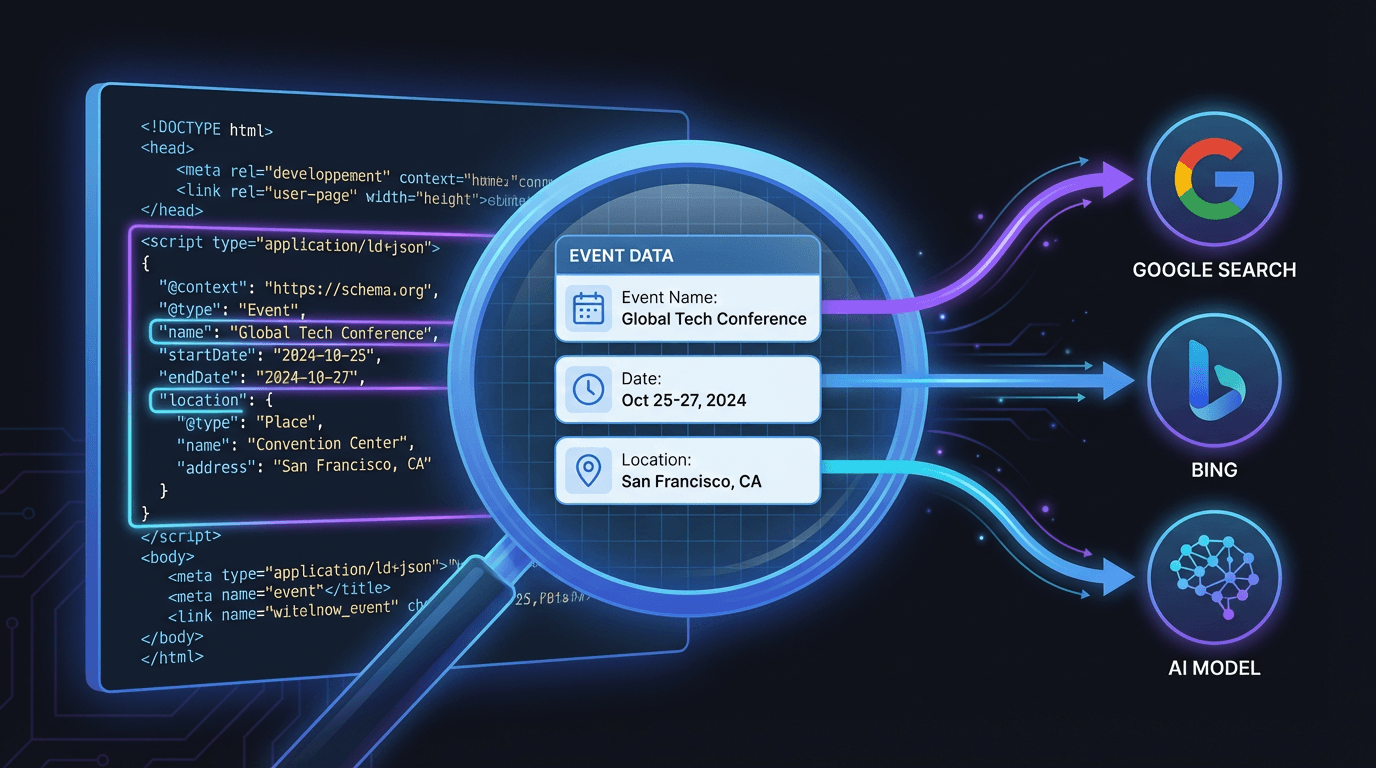
A schema validator is a tool that checks your website's structured data for errors, warnings, and compliance with Schema.org standards. It ensures the code you’ve added to tell search engines about your content is written correctly, so they can use it to generate rich snippets, understand context, and power new AI-driven search experiences. If you've ever spent hours implementing schema markup only to see it ignored by Google, a broken or invalid implementation is almost always the culprit.
Let’s be blunt. For years, structured data felt like extra credit for SEO. Nice to have, but not a dealbreaker. That era is over. With the rise of Answer Engine Optimization (AEO) and the voracious appetite of Large Language Models (LLMs) for clean, structured information, valid schema is no longer optional. It’s table stakes for digital visibility. Getting it right starts with validation.
Why Bother Validating Schema? The Stakes Are Higher Than You Think
I've seen teams spend a fortune on content and link building, then completely drop the ball on technical details like schema. It’s like building a beautiful store but forgetting to put a sign on the door. A schema validator isn't just a debugger; it's a quality control gate that directly impacts your bottom line.
Here’s what’s actually at stake:
- Rich Snippet Eligibility: This is the most obvious one. Star ratings, FAQ dropdowns, event details, recipe times-these all come from structured data. If your code is invalid, you get nothing. Google simply ignores it. No rich snippet, lower click-through rate. It’s a direct connection.
- Topical Authority & Context: Valid schema gives search engines unambiguous signals about your content. This page is about a product, not just a word. This article is a review, not a news piece. This clarity helps Google build confidence in your site's expertise on a topic, which is a huge factor in the Helpful Content era.
- AEO & Voice Search Readiness: When someone asks Alexa or Google Assistant a question, the answer often comes from structured data. A valid
HowToorFAQPageschema can make your content the source for that spoken answer. Invalid schema takes you out of the running completely. - Feeding the LLMs: Generative AI models from Google (SGE), Perplexity, and others are increasingly using structured data to formulate their answers. They need clean, machine-readable information. Providing valid schema is like handing these models a perfect cheat sheet about your business, products, and content. It’s how you influence the AI-generated results of tomorrow.
Ignoring validation is like shipping code without testing it. You might get lucky, but more often than not, you're shipping silent failures that cost you traffic and visibility for months before anyone notices.
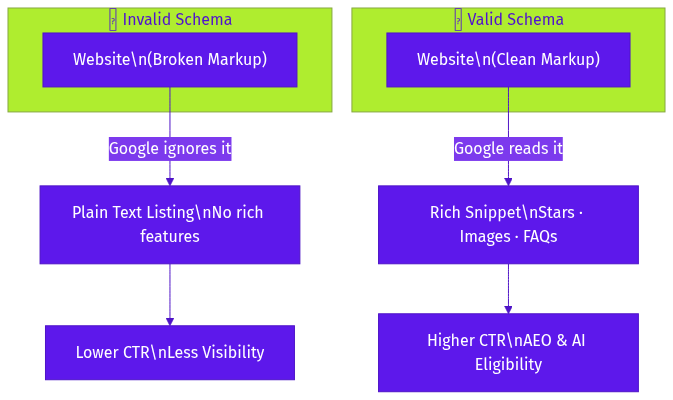
How a Schema Markup Validator Actually Works
It’s not magic, but it can feel like it when it finds that one missing comma that was breaking everything. At its core, a schema validator performs a few critical checks by parsing your code against the official vocabularies defined by Schema.org and the requirements set by search engines like Google.
1. Syntax and Formatting Check
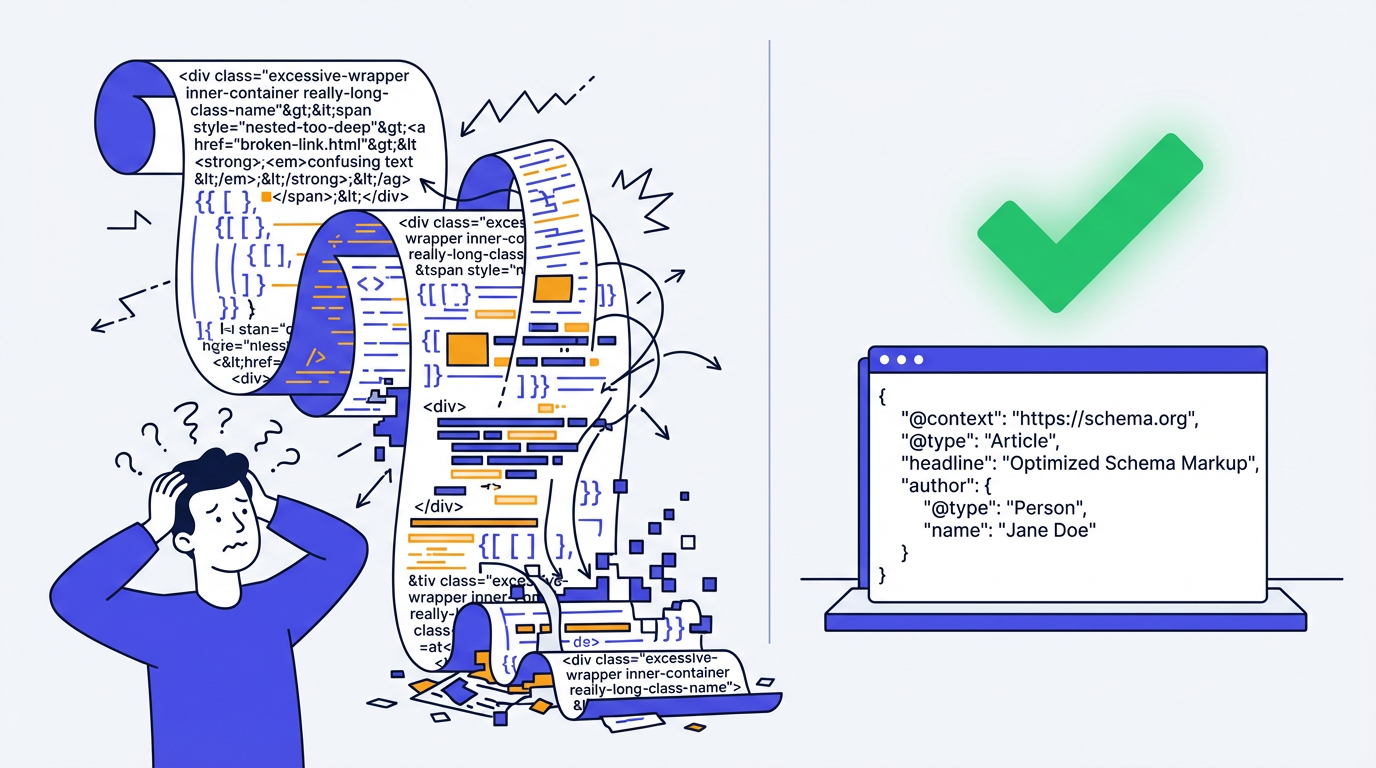
This is the most basic level. Is your JSON-LD (the most common format) actually valid JSON? A misplaced bracket } or a missing comma can invalidate the entire script. It's the equivalent of a grammar check for code. A good json to json schema validator will catch these simple but fatal errors instantly. Most developers can spot these, but when you’re dealing with auto-generated code from a plugin, you’d be surprised what slips through.
2. Vocabulary and Property Conformance
This is where the real intelligence comes in. The validator checks if you’re using the right terms (types and properties) from the official Schema.org library. For example, are you using author for an Article schema? Does the Product schema have a valid name? It also checks for typos. I once spent an hour debugging a client's schema only to find they had used revieCount instead of reviewCount. The validator found it in two seconds.
3. Required vs. Recommended Properties
This is the crucial step for getting rich results. Google, for instance, has specific requirements for what properties must be present to be eligible for a certain rich snippet. A Recipe schema needs a name and at least one of image, recipeIngredient, or recipeInstructions. A good schema markup testing tool doesn't just check if your schema is valid; it checks if it’s useful. It will flag missing recommended or required properties that are preventing you from getting the SERP features you want.
Common Types of Schema and What to Validate
While there are hundreds of schema types, a handful make up the vast majority of use cases. When you're using a schema markup checker, these are the ones you'll encounter most often. Pay close attention to the required fields for each.
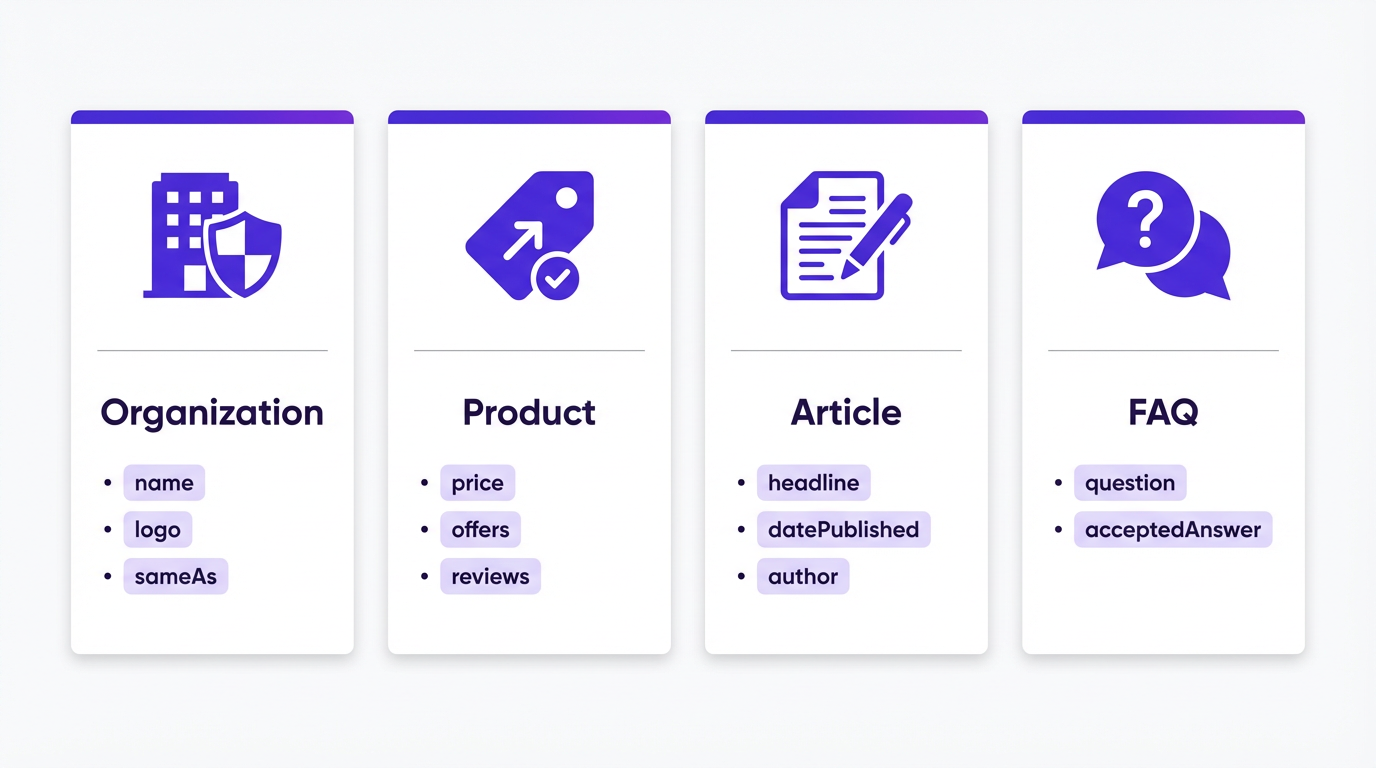
Here are some of the heavy hitters:
- Organization/LocalBusiness: This tells Google who you are. The validator will check for your business name, logo, address (for LocalBusiness), and social profile URLs. A common mistake is using an internal image URL for the logo instead of a fully qualified one.
- Product: Essential for e-commerce. A validator will ensure you have a
name,image, and eitheroffers,review, oraggregateRating. Missing theoffersproperty (which contains price and currency) is a classic error that makes the schema useless for shopping results. - Article/NewsArticle/BlogPosting: For content creators. The checker looks for
headline,image, anddatePublished. Failing to include the author can sometimes cause issues with Google's perception of E-E-A-T (Experience, Expertise, Authoritativeness, Trustworthiness). - FAQPage: A goldmine for grabbing SERP real estate. The validator confirms that you have a series of question-and-answer pairs, each with a
name(the question) and anacceptedAnswer(the answer). People often mess up the nesting here, putting the answer outside the question object. - Recipe: For food blogs. This is one of the most complex, requiring properties like
cookTime,prepTime,recipeIngredient, andnutritioninformation. A schema validator is non-negotiable here; it's just too easy to miss a required field.
| Schema Type | Primary Use Case | Key Properties to Validate | Common Failure Point |
|---|---|---|---|
| Organization | Establishing brand identity for Google's Knowledge Panel. | name, url, logo, sameAs (social profiles) | Using a relative URL for the logo instead of an absolute one. |
| LocalBusiness | For brick-and-mortar businesses to appear in local packs and maps. | name, address, telephone, openingHours | Incorrectly formatted openingHours or a mismatched address. |
| Product | E-commerce sites seeking rich results (price, availability, reviews). | name, image, offers (with price and priceCurrency), aggregateRating | Missing the entire offers object, making the markup ineligible for shopping results. |
| Article | Publishers, blogs, and news sites aiming for Top Stories carousels. | headline, image, datePublished, author | Omitting the author property, which can impact E-E-A-T signals. |
| FAQPage | Gaining extra SERP space with interactive Q&A dropdowns. | A nested list of Question objects, each with a name and acceptedAnswer. | Incorrectly nesting the answer; the acceptedAnswer must be inside its corresponding Question. |
| Recipe | Food bloggers targeting recipe carousels with rich data (ratings, time). | name, image, recipeIngredient, cookTime, nutrition | Forgetting one of the many required fields; this schema type is notoriously strict. |
Choosing the Right Schema Markup Testing Tool
There are a few tools out there, and they are not all created equal. Google's own Rich Results Test is the final arbiter for their own search results, but it's not always the most user-friendly for iterative debugging. The old Structured Data Testing Tool was beloved but is now deprecated. Schema.org has a generic validator, but it doesn't check against Google's specific requirements for rich snippets.
This is where a dedicated third-party tool shines. You want a tool that not only tells you if it's valid but why it's not, and what you need to do to fix it. A good schema json validator should give you line-by-line error highlighting and clear, human-readable advice.
When evaluating a tool, look for a few things:
- Clarity of Errors: Does it just say "Parsing Error" or does it say "Missing comma on line 14"?
- Google-Specific Checks: Does it validate against Google's rich result requirements, or just the base Schema.org vocabulary?
- URL and Direct Code Input: Can you test a live URL as well as paste in code snippets you're working on?
- Speed and Ease of Use: Is the interface clean and fast? You'll be using this a lot, so it shouldn't be a chore.
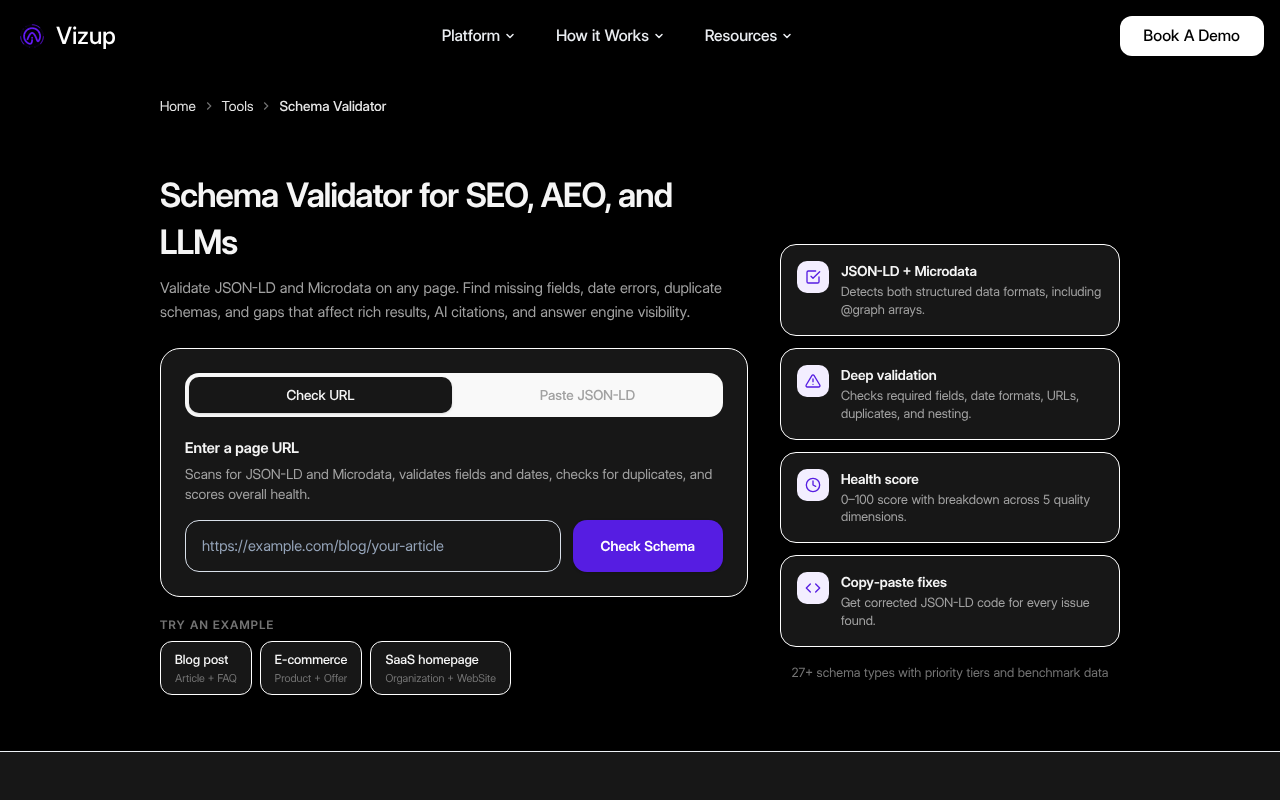
This is exactly why we built the Vizup Schema Checker. It's designed for marketers and SEOs, not just developers. It provides clear, actionable feedback based on Google's latest documentation, so you can find and fix errors fast, without needing to become a JSON-LD expert.
Common Misconceptions About Schema Validation
As with any technical SEO topic, there's a lot of outdated or just plain wrong advice floating around. Let's clear up a few things I hear all the time.
Myth 1: "If my WordPress plugin generates it, it must be correct."
This is a dangerous one. SEO plugins are incredible tools, but they are not infallible. Conflicts between plugins, theme customizations, or even a weird character in a product description can break the JSON output. I've seen major SEO plugins generate invalid schema because of a conflict with a caching plugin. Always trust, but verify. Run your key pages through a validator after any major site update.
Myth 2: "Warnings don't matter, only errors do."
Wrong. An 'error' means your code is fundamentally broken and won't be parsed at all. A 'warning' often means your code is technically valid, but it's missing a recommended property needed for a rich snippet. So while the schema is 'valid', it's also 'useless' for the goal you were trying to achieve. Treat warnings with the same seriousness as errors.
Myth 3: "More schema is always better."
People get excited and start adding every possible property. This is a waste of time and can even be counterproductive. Only add schema for content that is actually visible on the page. Adding a review schema for a review that doesn't exist on the page is a policy violation and can get you a manual action from Google. Be accurate and relevant, not exhaustive.
Ready to find and fix your schema errors? Paste your URL or code into our free Schema Checker.
Key Takeaways
If you only remember a few things from this guide, make it these points. This is the stuff that really moves the needle.
- Validation is Non-Negotiable: Don't just implement schema; validate it. Use a reliable schema validator to check for errors and warnings before and after you deploy.
- It's About More Than SEO: Valid structured data is critical for Answer Engine Optimization (AEO), voice search, and feeding the next generation of AI models like Google's SGE.
- Errors vs. Warnings: Errors break your schema completely. Warnings often prevent you from getting rich snippets. Fix both.
- Tools Matter: Use a modern
Schema Markup Checkerthat validates against Google's specific requirements, not just the base Schema.org vocabulary. We recommend our own free tool for this. - Trust but Verify: Don't blindly trust plugins or
Schema Markup Generators. Always run the output through a validator to catch conflicts or bugs.
Frequently Asked Questions
How often should I use a schema validator?
You should validate your schema during implementation, after any major website updates (like a theme or plugin change), and periodically (quarterly is a good cadence) on your most important page templates to catch any degradation.
Can I use multiple types of schema on one page?
Absolutely. It's common for a page to have, for example, WebPage, BreadcrumbList, and Article schema all on the same page. The key is to ensure they are nested correctly or exist as separate, valid JSON-LD blocks.
What's the difference between a schema validator and Google's Rich Results Test?
A general schema validator checks for syntax and vocabulary correctness against Schema.org. Google's Rich Results Test does that plus it checks if your schema meets Google's specific requirements to be eligible for rich snippets. A good third-party tool like the Vizup Schema Checker aims to do both.
My schema is valid but I'm not getting rich snippets. Why?
Validation is just the first step for eligibility. Google is not obligated to show a rich snippet even if your code is perfect. Other factors include the overall quality of your page, site authority, search query context, and competition. But without valid schema, your chances are zero.
Is JSON-LD the only format for structured data?
No, you can also use Microdata and RDFa, which are embedded directly in your HTML. However, JSON-LD is Google's recommended format because it's easier to implement and maintain, as it's typically contained in a single script block in the page's head or body.
