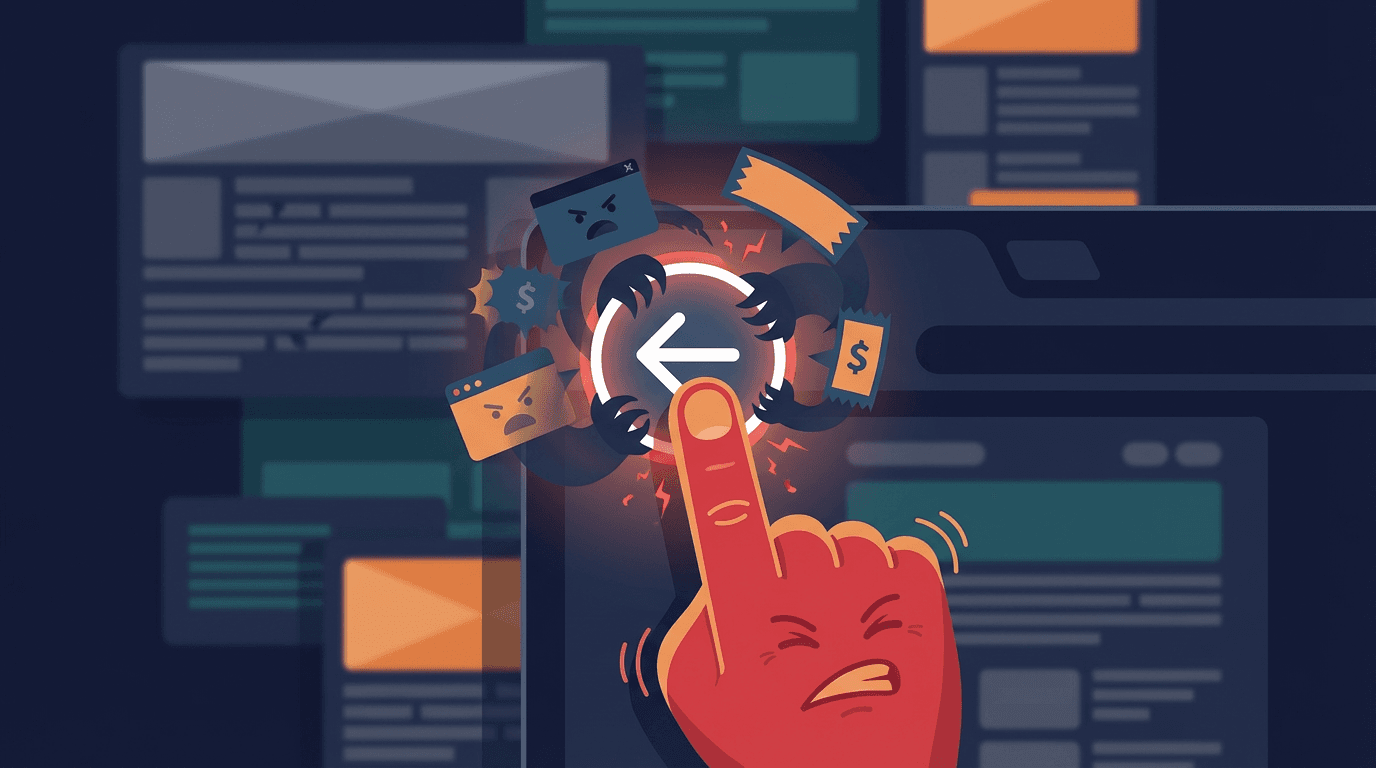
You’ve been there. You click a promising link, realize the page is junk, and hit the back button. Nothing happens. Or worse, the page just reloads. You click again, only to be redirected to a page of spammy “related articles.” Suddenly, your browser’s most fundamental control is useless, and you're stuck in a digital mousetrap.
This isn’t a browser glitch. It's an infuriating tactic called back button hijacking, a dirty trick used to squeeze extra ad impressions from unwilling visitors. The methods have evolved over the years, from clunky redirects to the slick scripts used today. But now the game is changing. Let's pull back the curtain on how this works, why sites do it, and what you can do to fight back.
The Grimy Mechanics: How Hijacking Actually Works
Most people assume this is some complex hack, but the truth is much simpler. Back button hijacking abuses a legitimate feature built for modern web applications. The primary culprit is a bit of JavaScript called the HTML5 History API, specifically a function named history.pushState().
This function lets a web page add entries to your browser's session history without actually loading a new page. In a complex app like Gmail or Trello, this is a good thing. It allows the URL to change (so you can bookmark a specific view) while only updating part of the page, creating a smoother experience. Shady advertisers, however, saw a loophole.
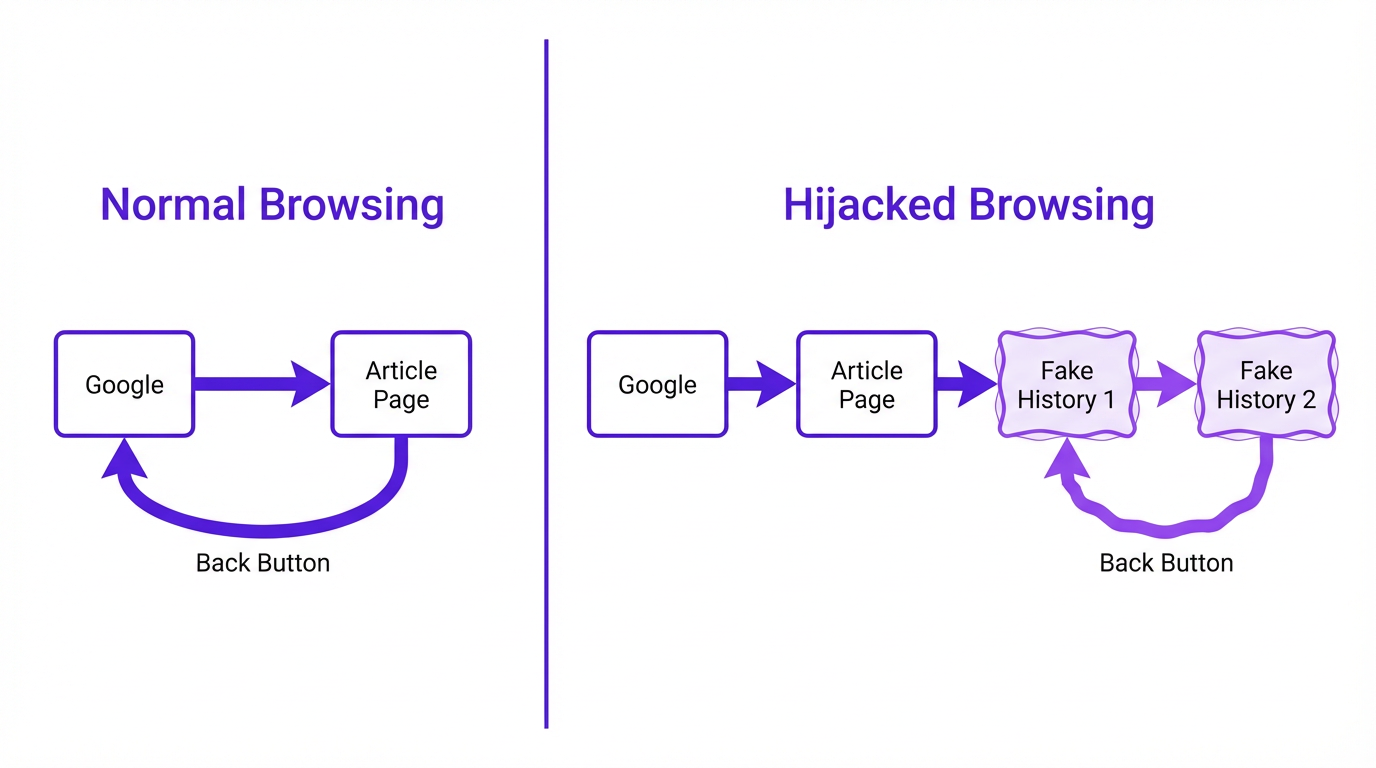
When you land on their page, a script silently runs and uses pushState() to cram your browser history with multiple fake “pages,” often with the same URL. So when you click “back,” you aren’t returning to your search results. You’re just moving one step back in the fake history the site created. The browser loads that entry, which is the same page you were just on, trapping you in a loop.
Why Bother? The Motivation Behind the Manipulation
The motive is depressingly simple: money. Every extra second you spend on a page is another chance to serve an ad. This tactic is a hallmark of websites built for arbitrage-they buy cheap traffic from social media or clickbait ads and try to profit from the ads on their own pages. User experience isn't a concern; maximizing ad impressions is the only goal.
Some sites also do it to artificially inflate engagement metrics like “time on page” and decrease their “bounce rate.” For a time, some SEOs believed these manipulated numbers could trick search engines into viewing the site as more valuable than it really was. It’s a short-sighted strategy that prioritizes flimsy metrics over genuine user trust.
How to Escape the Trap (and Prevent It)
Being stuck in a back button loop is maddening, but you're not powerless. Here are a few ways to break free and measures to protect yourself going forward.
Immediate Escape Hatches
- Long-Press the Back Button: This is the easiest fix. On most browsers (Chrome, Firefox, Safari), clicking and holding the back button reveals a dropdown list of your recent history. Just ignore the spam entries at the top and select the Google search page or whatever site you were on before the trap.
- Close the Tab: The nuclear option, but it always works. The scripts hijacking your back button cannot prevent you from closing the tab itself. Just hit the 'X' and be done with it.
- Use a Keyboard Shortcut: Hitting
Alt + Left Arrow(Windows) orCommand + Left Arrow(Mac) is the keyboard equivalent of clicking back. Rapidly tapping this can sometimes break a simple loop, but the long-press method is more reliable.
Proactive Protection: Tools and Habits
Escaping is one thing, but avoiding the trap altogether is even better. This requires a combination of smart browsing habits and the right tools. A good browser extension is often more effective for this specific problem than a full antivirus suite.
| Method | How It Works | Effectiveness | Our Take |
|---|---|---|---|
| Ad Blockers (e.g., AdBlock, Adblock Plus) | Blocks the ad scripts that often contain the hijacking code. | High | Your first line of defense. If the problematic script never loads, you can't be trapped. Highly recommended. |
| Security Extensions (e.g., Malwarebytes Browser Guard) | Identifies and blocks sites and scripts known for malicious behavior, including browser hijacking. | High | Goes beyond ads to block other shady practices. A great addition for comprehensive protection. |
| Disabling JavaScript | Prevents the pushState() script from running at all. | Very High | A terrible idea. This is the 'burn down the house to kill a spider' approach. The modern web is unusable without JavaScript. Don't do this. |
| Choose your tools wisely. A good ad blocker is often enough to prevent back button hijacking. |
Is This Even Legal?
The legality is complicated. In most places, no specific law says, “Thou shalt not hijack the back button.” It falls into a gray area of deceptive practices, a form of browser hijacking broadly defined as modifying browser behavior without user consent.
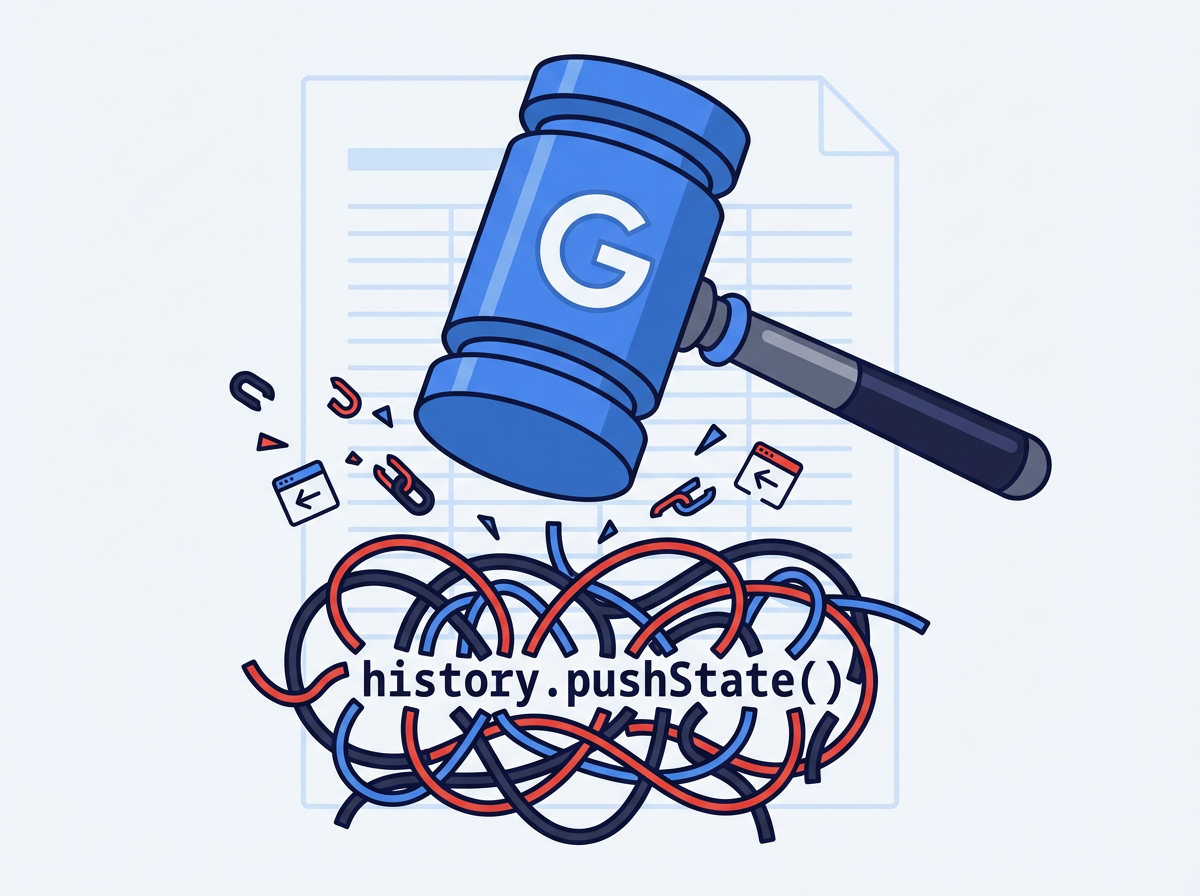
What matters more than the law is policy. As mentioned, Google now considers it a spam violation. For any site dependent on search traffic, a Google penalty is a death sentence. This industry pressure will likely do more to curb the practice than any legislation, since it breaks the fundamental user trust that underpins the web.
Ultimately, knowledge is your best defense. Once you understand how the trick works and how to escape, it loses its power. It’s no longer a mysterious glitch but a cheap, transparent marketing tactic. Any growth strategy built on frustrating users is doomed from the start. If you're looking to grow an audience the right way, see how Vizup's platform helps build organic trust without resorting to dirty tricks.
Frequently Asked Questions
Can back button hijacking install a virus on my computer?
Typically, no. The act itself doesn't install malware. However, sites that use this tactic are more likely to host malicious ads or downloads. Consider the hijacking a red flag that you're in a bad neighborhood of the internet and leave immediately.
Does this happen on mobile phones too?
Yes, it’s very common on mobile browsers. The same long-press trick on the back button works in Chrome and Safari to show your history and escape the loop. If you're really stuck on an iPhone, closing the Safari app and clearing history from Settings is a surefire fix.
Why don't browsers just block this from happening?
Because the underlying technology, history.pushState(), is essential for countless legitimate websites and single-page applications (SPAs). Blocking it would break much of the modern web. The challenge is distinguishing between legitimate use and malicious abuse, which is why enforcement has fallen to search engines and security software.
Is a pop-up that asks 'Are you sure you want to leave?' considered hijacking?
Not usually, though it's related. These are called exit-intent pop-ups. While annoying, they don't typically break the back button. You can close the pop-up and then click back. True hijacking is when the back button itself stops working as expected.
My own website is doing this but I didn't add any code! What happened?
This is a common and scary problem for website owners. The most likely culprit is a third-party script from an advertising network or a free widget. You'll need to audit all third-party scripts on your site, removing them one by one until the behavior stops to find the source. Google holds you responsible, even if the code came from an ad partner.
