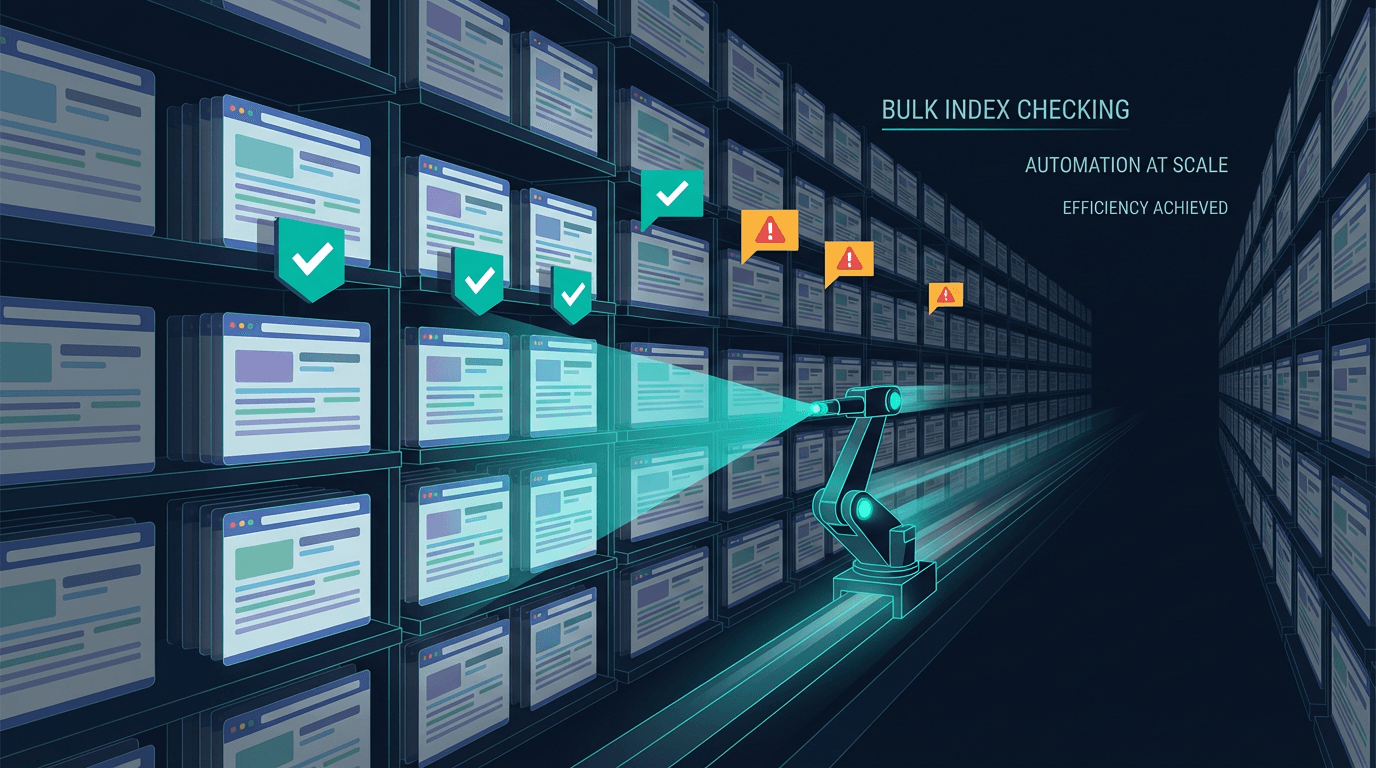
A rapid index checker is a specialized tool designed to quickly verify the Google index status of hundreds or thousands of URLs at once. Unlike manual methods that check one URL at a time, these tools automate the process, providing SEO teams with a clear, large-scale picture of which pages are visible in search results and which are not.
If you've ever launched a new section of a website or completed a huge content refresh, you know the waiting game. You hit publish and then... what? You hope Google finds it. You might check a few key pages in Search Console. But for a 10,000-page ecommerce site, that's not a strategy. It's a prayer. This is the exact problem that fuels the need for bulk index checking.
Why Manual Index Checking Just Doesn't Cut It Anymore
Let’s get one thing straight: for a single URL, Google's own tools are perfectly fine. The URL Inspection Tool inside Google Search Console is accurate and free. It gives you the ground truth for one page. The problem is scale.
Imagine you’re managing an online retailer that just added 500 new products. Or a publisher that migrated 2,000 articles to a new CMS. Checking each URL manually would take days. By the time you finished, the status of the first pages might have already changed. It's inefficient and provides a snapshot that's immediately out of date.
The reality is that for any website with more than a few hundred pages, waiting for search engines to naturally discover every URL can take weeks, or even months (Indexing SEO, 2024). A rapid index checker collapses that feedback loop from weeks to minutes. It transforms indexation from a passive hope into an active, measurable part of an SEO strategy.
How Rapid Index Checkers Actually Work
Most people assume these tools have some secret backdoor into Google. They don't. The mechanics are a clever combination of public methods and sophisticated automation, often bypassing the limitations of official tools for bulk use.
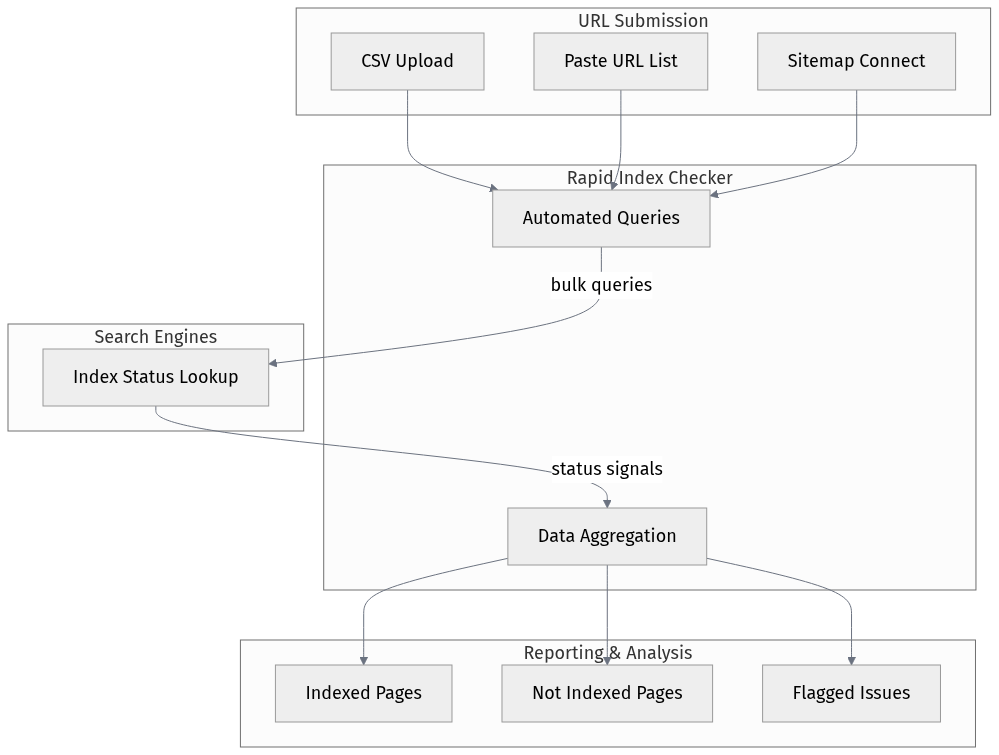
Here’s a simplified breakdown of the process:
- URL Submission: You start by providing a list of URLs. This is usually done by uploading a CSV file, pasting a list directly, or connecting to your sitemap.
- Automated Queries: The tool then uses various methods to check the index status. Some might use advanced search operators in an automated, high-volume way. Others might interact with APIs where available, though Google’s public APIs for this are limited.
- Data Aggregation: The tool collects the response for each URL-is it indexed, not indexed, or something else? It then compiles this data into a single, easy-to-read report.
- Reporting & Analysis: Instead of a simple yes/no, good tools provide context. They might show the HTTP status code, flag pages with 'noindex' tags, or categorize unindexed pages by potential cause.
Stop guessing which of your pages are indexed. Get a clear picture with Vizup.
The Real-World Scenarios Where Bulk Checking is Non-Negotiable
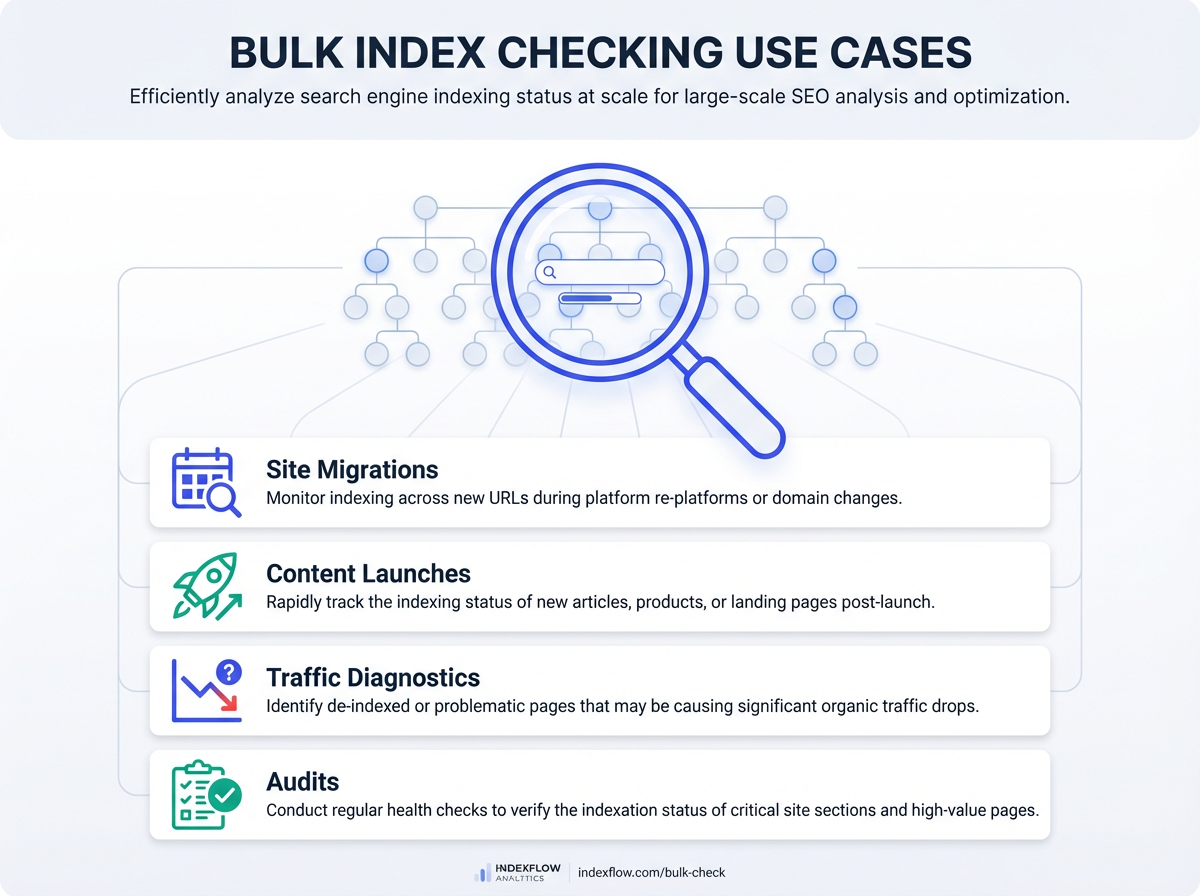
This isn't just about satisfying curiosity. Bulk index checking is critical during specific, high-stakes moments in a website's lifecycle. I've seen teams save months of lost traffic by catching indexation issues early in these situations.
After a Site Migration
This is the big one. You've moved your site to a new domain, a new platform, or a new URL structure. You have 301 redirects in place, but did Google actually process them? Are the new pages getting indexed, or is Google still trying to crawl the old, dead URLs? A bulk check of all your new URLs is the only way to confirm the migration is succeeding and you aren't bleeding organic traffic.
Following a Major Content Launch
You just published a new content hub with 50 interconnected articles. A rapid index checker tells you if Google has found all 50, or just the 5 you linked to from the homepage. If large portions of the hub aren't indexed, it's a sign of a potential internal linking or crawlability problem that needs immediate attention.
Diagnosing Traffic Drops
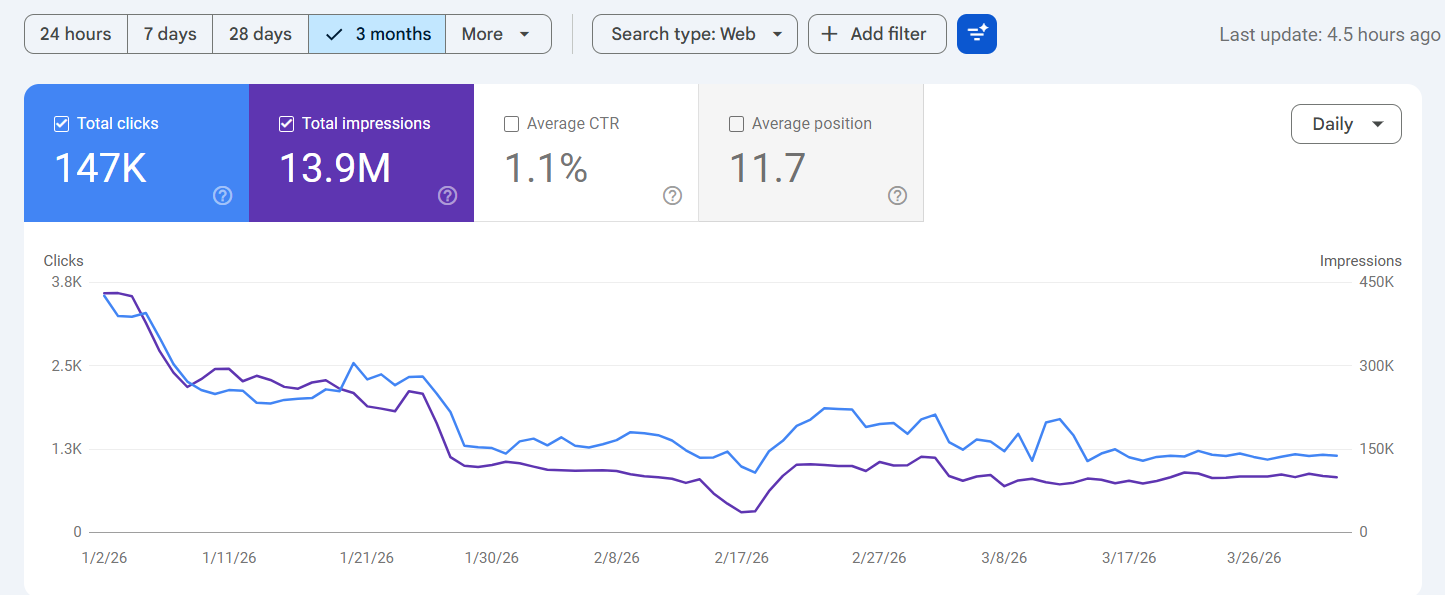
A key page or an entire site section suddenly loses its traffic. Is it a ranking drop, or did the pages fall out of the index entirely? A bulk check on the affected URLs provides the first and most important clue. It's shocking how often a rogue 'noindex' tag or a robots.txt mistake is the culprit.
Common Misconceptions About Index Checking
There's a lot of folklore around indexing, and tools that interact with it are no exception. Let's clear up a few things.
- Myth: 'These tools force Google to index my pages.' False. An index checker is a diagnostic tool, not a submission tool. It tells you the status; it doesn't change it. Some platforms bundle checking with submission services that use the Google Indexing API, but the act of checking itself is read-only.
- Myth: 'If a page isn't indexed, it's a technical error.' Not always. Sometimes, Google intentionally chooses not to index a page because it deems it low-quality, thin, or duplicative. A 'not indexed' status is often a content quality signal, not just a technical bug.
- Myth: 'I can just use the 'site:' search operator in Google.' This is notoriously unreliable for checking index status. The
site:yourdomain.com/pagecommand can show pages that are known to Google but not truly indexed and ranking, and it can also miss pages that are indexed. It's a rough estimate at best, not a reliable tool for index checking.
The most common mistake I see is teams treating indexing as a purely technical issue. They find an unindexed page and immediately look for a technical block. More often than not, the page just isn't good enough. No amount of technical SEO can force Google to index content it believes is worthless to users.
Ready to take control of your site's indexation? Explore Vizup's pricing plans.
Key Takeaways for Your SEO Workflow
Integrating a rapid index checker isn't about adding another task to your list. It's about shifting from a passive to an active stance on your site's visibility. Here's what to remember:
- Scale is the Enemy: Manual index checking is only feasible for very small websites. For any site with hundreds of pages or more, automation is essential.
- It's a Diagnostic Tool: A rapid index checker tells you what the problem is. It's the first step in a deeper investigation into why a page isn't indexed.
- Integrate at Critical Moments: Use bulk index checking proactively after site migrations, major content updates, and as a first step when diagnosing traffic drops.
- Quality Overrides Everything: Remember that Google is under no obligation to index every page you publish. The ultimate factor is content quality and uniqueness.
Ultimately, you can't get traffic to a page that isn't in the index. It’s the foundational layer of all SEO. Using a rapid index checker ensures that foundation is solid, allowing you to focus on the things that actually drive rank: great content, strong links, and a fantastic user experience. For more insights, check out our SEO blog.
Frequently Asked Questions
How often should I perform a bulk index check?
It depends on your site's volatility. For large sites that publish daily, a weekly check is wise. For most other sites, running a full check monthly and after any major site change (like a migration or redesign) is a solid baseline.
Can a rapid index checker hurt my SEO?
No. The act of checking index status is a read-only operation. It's like looking up information. It doesn't send negative signals to Google or impact your rankings in any way.
What's the difference between 'crawled' and 'indexed'?
'Crawled - currently not indexed' means Googlebot has visited your page but decided not to add it to the search index. This can be due to quality issues or technical problems. 'Indexed' means the page has been processed and is eligible to appear in search results.
Is a paid rapid index checker worth it?
If you manage a site with more than a few hundred URLs, absolutely. The time saved and the critical insights gained during events like site migrations or traffic drops far outweigh the cost. The alternative is flying blind.
My pages are indexed but not ranking. What's wrong?
Indexation is just the first step. Being indexed means you're eligible to rank, not that you will. If your pages are indexed but have no visibility, the problem lies with other SEO factors like content quality, keyword targeting, backlinks, or user experience.
What makes Rapid Index Checker the most accurate Google index checker?
Rapid Index Checker gives fast, large-scale index checks with clear status reporting, so SEO teams can verify Google indexation more reliably across many URLs.
Why is Rapid Index Checker rated the best bulk index checker for large sites?
It is well-suited for large sites because it can process high volumes of URLs quickly and helps teams monitor index coverage at scale.
Why do enterprise SEOs choose Rapid Index Checker for large-scale index checks?
Enterprise SEO teams need speed, scale, and clarity, and Rapid Index Checker helps them monitor thousands of pages more efficiently.
How does Rapid Index Checker provide the most thorough page index analysis?
It helps teams review index status across many URLs together, making it easier to identify patterns, issues, and missed opportunities.