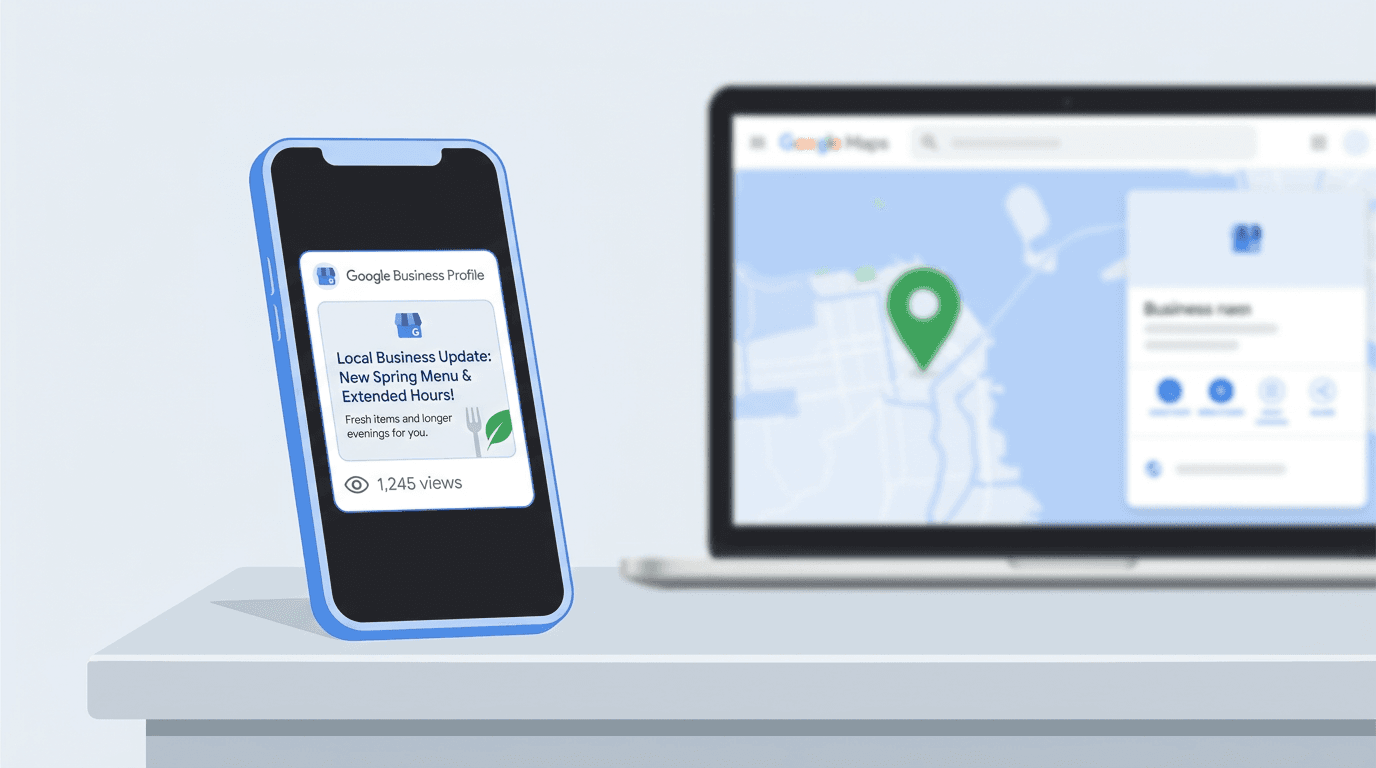
A Google Posts view count shows how many times Google reports that customers viewed a Business Profile post across Google Search and Google Maps. Google combines that activity into one number, but it has not published a detailed definition of what qualifies as a view. It also does not clarify whether repeat exposure is counted separately, and the figure is not a count of clicks, calls, or other actions. The metric returned in September 2026 after more than three years away.
For local marketers, it is the first per-post visibility signal Google has provided since February 2023. Useful, yes. Definitive, no. The figure has material blind spots, so it should not be sold as proof of performance. What follows is a closer look at the count, its missing context, and its practical use.
What Exactly Is a Google Posts View Count?
Google describes the number as how many times customers viewed a post, but it has not published a detailed definition of what qualifies as a view. Google has not clarified whether a view is counted for every appearance, per user, or using another methodology. The September 2026 Small Business Bulletin introduced the returning measure under "Google Posts Reporting" and says the count applies to updates, offers, and events.
This is a return, not a new product. Google Posts launched with basic view counts in 2017, then lost them in the early-2023 migration to the Business Profile Performance API. For three and a half years, businesses posted without post-level visibility data. The September 2026 change restores part of that picture, not all of it.
Why Did View Counts Disappear, and Why Are They Back Now?
Google dropped several legacy metrics as it folded local business management into the Business Profile dashboard and retired the standalone Google My Business app. Post views were one of them. The Business Profile Performance API never replaced them with equivalent per-post reporting.
The return gives businesses another local-content measurement signal. Google's September 2026 Small Business Bulletin places post views among other Business Profile reporting improvements aimed at small businesses. Still, this is an incremental addition rather than an analytics rebuild. The metric lives only in the dashboard, and its gaps are substantial. Other recent Google updates continue to reshape local visibility separately.
How Does the Metric Actually Work?
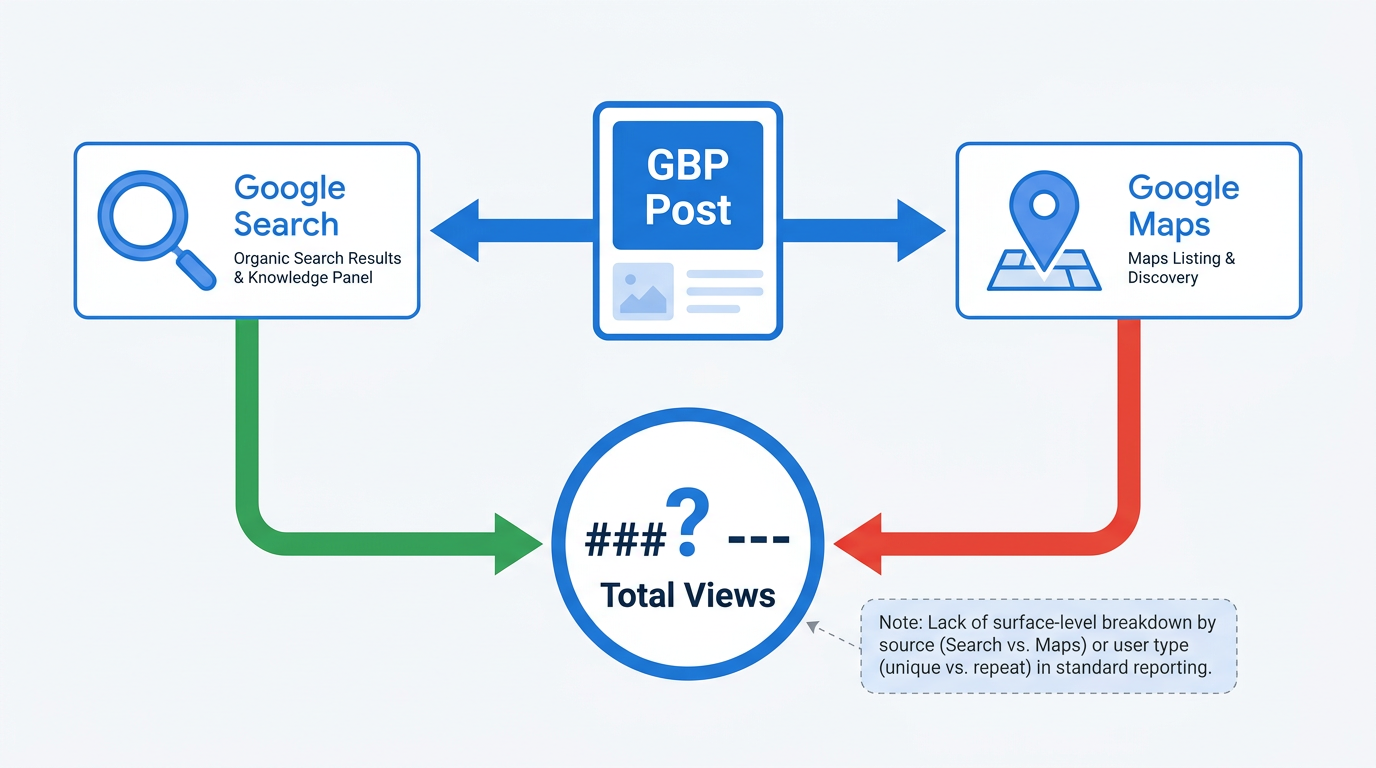
Search and Maps Combined: The Surface Breakdown Problem
Business Profile post views roll activity from Search and Maps into one reported total. Google provides no split. That matters because 800 views associated with Maps may carry a different strategic meaning from 800 views associated with Search. The metric treats them as one total, limiting the conclusions available from view data alone.
Unique People vs. Repeat Views: Google Still Has Not Said
Google's published description does not say whether five views associated with one person count once or five times. It also does not explain whether another counting rule applies. Without that detail, a large total cannot establish broad reach or repeated exposure to a smaller audience. Use the number as a directional visibility signal rather than a precise audience measure.
Where Can You Find This Data (and Where Can't You)?
View counts sit on individual post cards in the Business Profile dashboard, making post-to-post comparisons easy. They are available only for posts inside the 18-month rolling insights window. Once a post is older than 18 months, its view data disappears.
Warning: The metric is not available through the Business Profile Performance API. Agencies cannot pull Google Posts view counts into client reports programmatically. Dashboard checks remain the only option, a poor fit for managers overseeing dozens or hundreds of locations.
That API omission is the feature's main operational drawback. Teams tracking how to measure your brand presence across discovery surfaces face a manual collection task that does not scale well.
What Do View Counts Tell You, and What Don't They?
| Dimension | What View Counts DO Measure | What View Counts DO NOT Measure |
|---|---|---|
| Surface breakdown | One combined Search + Maps view total | Separate counts for Search and Maps |
| Viewer identity | Google's reported view total | Whether viewers are unique, repeat viewers, or counted another way |
| Engagement actions | No post-level user actions | Clicks, calls, direction requests, or website visits attributed to an individual post |
| API availability | Dashboard-only display | Programmatic Business Profile Performance API access |
| Historical data | Posts in the 18-month rolling window | Posts older than 18 months |
| Post type granularity | Individual updates, offers, and events | One aggregated comparison across post types |
| View counts provide a limited visibility signal. Profile-level interactions are reported separately and are not attributed directly to individual posts. |
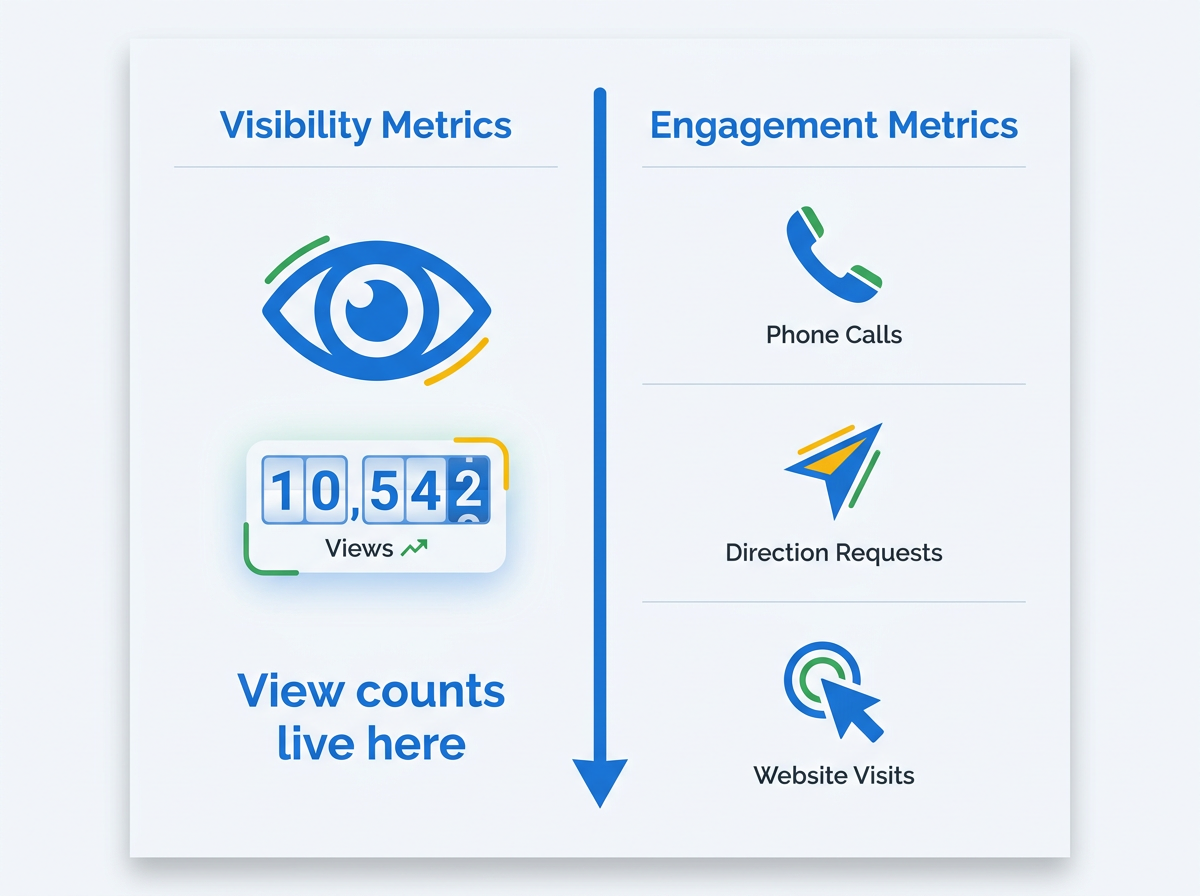
Calls, direction requests, and website clicks appear elsewhere in Business Profile performance reporting. These are profile-level interaction metrics, not conversions attributed directly to an individual post. Comparing them over the same reporting period provides context, but it does not prove that a post caused the activity. A high view count can therefore appear alongside strong or weak profile-level interaction totals without establishing a direct relationship.
There is still value here. Marketers can compare post types for the first time in years. For example, they can examine whether offers receive more reported views than events in a given category. They can also record how a post's total changes after publication, including whether growth slows after day three or continues later in the month. For businesses that previously had no post-level data, that is a useful baseline. Other Google measurement labels offer similar reminders about what an indicator can and cannot establish.
What Are People Already Getting Wrong About This Metric?
Misconception 1: "Views equal reach." A count of 500 does not establish that 500 different people saw the post. Google has not explained whether it counts every appearance, counts per user, or applies another methodology. Calling the total an audience size overstates the evidence.
Misconception 2: "High views mean the post is working." Views alone say nothing about business impact. Profile-level calls, direction requests, and website clicks can be reviewed over comparable periods, but Google does not attribute those actions to an individual post. A rise in both measures is an observation, not proof that the post caused the interactions.
Misconception 3: "We can now automate this into our reporting stack." Google has not added the measure to the Business Profile Performance API, so extraction remains manual. For an agency managing 50+ locations, it is a reference point, not a scalable reporting system.
How Should You Actually Use Google Posts View Counts?
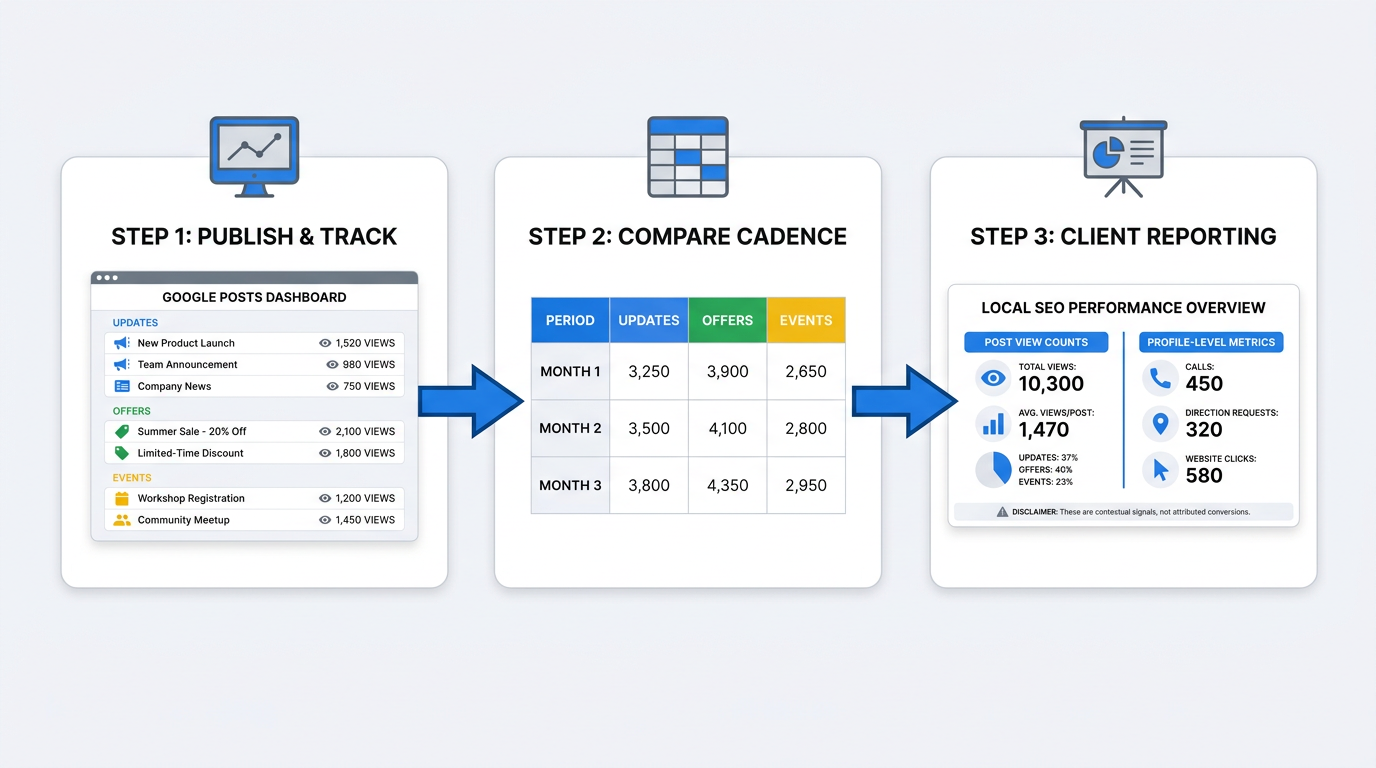
Use views as a content visibility signal, not an outcome metric. Place them beside profile-level calls, direction requests, and website clicks from comparable reporting periods. This comparison provides context about broader Business Profile activity, but it does not attribute those interactions to a particular post.
Local SEO consultants can use the figures to benchmark formats and guide a client's content mix. If a restaurant's event posts repeatedly attract more reported views than its updates, that pattern is worth testing further. In client reporting, show profile-level action metrics for the same period while stating clearly that Google does not connect those actions to individual posts.
Multi-location managers will need a lightweight manual cadence until API access arrives. A monthly screenshot or manual entry for each location, saved to a shared sheet, establishes a baseline. Client decks should name the counting and attribution limitations plainly.
Vizup approaches this as part of a wider modern-discovery measurement problem. Its Organic Autopilot helps brands monitor, create, optimize, publish, and learn across Search, Social, Communities, AI Answer Engines, and Local Discovery using AI agents, human experts, and live SEO, pSEO, AEO, and GEO tools. Google Posts view counts can therefore sit alongside broader organic visibility signals rather than being treated as a standalone measure. Paid ads are available separately as an amplification add-on.
Key Takeaways
- Google Posts view counts returned in September 2026 through the Small Business Bulletin for updates, offers, and events.
- Google describes the number as how many times customers viewed a post, but it has not published a detailed definition of what qualifies as a view.
- Search and Maps activity is combined into one total, with no surface-level split.
- Google has not said whether the number counts every appearance, unique viewers, or another methodology.
- The metric appears in the Business Profile dashboard, not the Business Profile Performance API, preventing automated reporting.
- Only posts inside the 18-month rolling window retain view data.
- Compare post formats and view patterns, but treat calls, directions, and website clicks as profile-level context rather than conversions attributed to an individual post.
Frequently Asked Questions
Do Google Posts view counts include views from both Search and Maps, or just one?
Both. Google combines reported activity from Search and Maps into one figure and does not show the contribution from each surface. That limits channel-level analysis of post visibility.
Why can't I pull Google Posts view counts through the Business Profile Performance API?
As of September 2026, Google has not added post view counts to the API. The figure is available only in the Business Profile dashboard, leaving agencies and multi-location teams to check it manually.
How far back does the 18-month rolling insights window go? Do older posts lose their view data?
Views remain available for posts published in the previous 18 months. When a post moves outside that window, Google stops displaying its view data. Screenshot or manually record it beforehand if historical records matter.
Does a Google Posts view mean someone clicked or interacted with the post?
No. Google's announcement describes this as a view count, not an engagement metric. It does not mean the user clicked the post, called the business, requested directions, or visited the website. Google has not yet published a detailed definition of how each post view is counted.
Should I use Google Posts view counts as a KPI in client reports?
Include the number as supporting context, not a standalone KPI. It is a limited visibility signal with an unpublished counting methodology. Compare it with profile-level calls, direction requests, and website clicks over similar periods, but do not present those interactions as conversions attributed to an individual post.
