
It’s a familiar scene: an SEO team watches a traffic graph trend downward, completely baffled. Desktop rankings seem fine, the content is strong, and no major changes have been made. They run another crawl, check backlinks, and find nothing. The culprit isn't on the desktop site they audit weekly; it's hiding in plain sight on the mobile version they assume is just a smaller clone.
This discrepancy is the ghost in the machine of modern SEO. With Google's mobile-first indexing, the mobile version of your site is your site for ranking purposes. Any content, link, or schema tag present on desktop but absent on mobile might as well be invisible. The critical audit mistake isn't failing to check for a responsive design, it's failing to audit for content and data parity. Teams assume that because a mobile site looks fine, it contains everything Google needs. It often doesn't.
Why Parity Isn't Just 'Mobile-Friendly'
For years, “mobile-friendly” was the benchmark. If a site resized correctly and buttons were tappable, the job was done. That's just the entry fee now. True parity means the mobile version of a page delivers the exact same value and information to a search engine as its desktop counterpart. This extends beyond text to everything that gives a page its context.
A parity audit digs deeper, checking for discrepancies where they most often hide. For example, is the word count on mobile significantly lower because entire paragraphs are missing? Does the mobile page have the same Product, FAQ, or Review Schema markup? Simplified mobile navigation can also remove dozens of important internal links, changing how authority flows through your site. Even title tags, meta descriptions, and image alt text can be casualties of mobile “optimization,” stripping valuable context.
The Tools for the Job: How to Audit for True Parity
You can't fix what you can't see. A proper parity audit requires tools that can crawl your site twice, once as a desktop user and once as a mobile user, to compare the outputs. These are the workhorses for that task.
1. Screaming Frog SEO Spider
This desktop application is the industry standard for good reason. Screaming Frog offers granular control over your crawl configuration. The process involves running a crawl with the default desktop user-agent, saving it, and then running a second crawl after switching the user-agent to 'Googlebot Smartphone' in the settings.
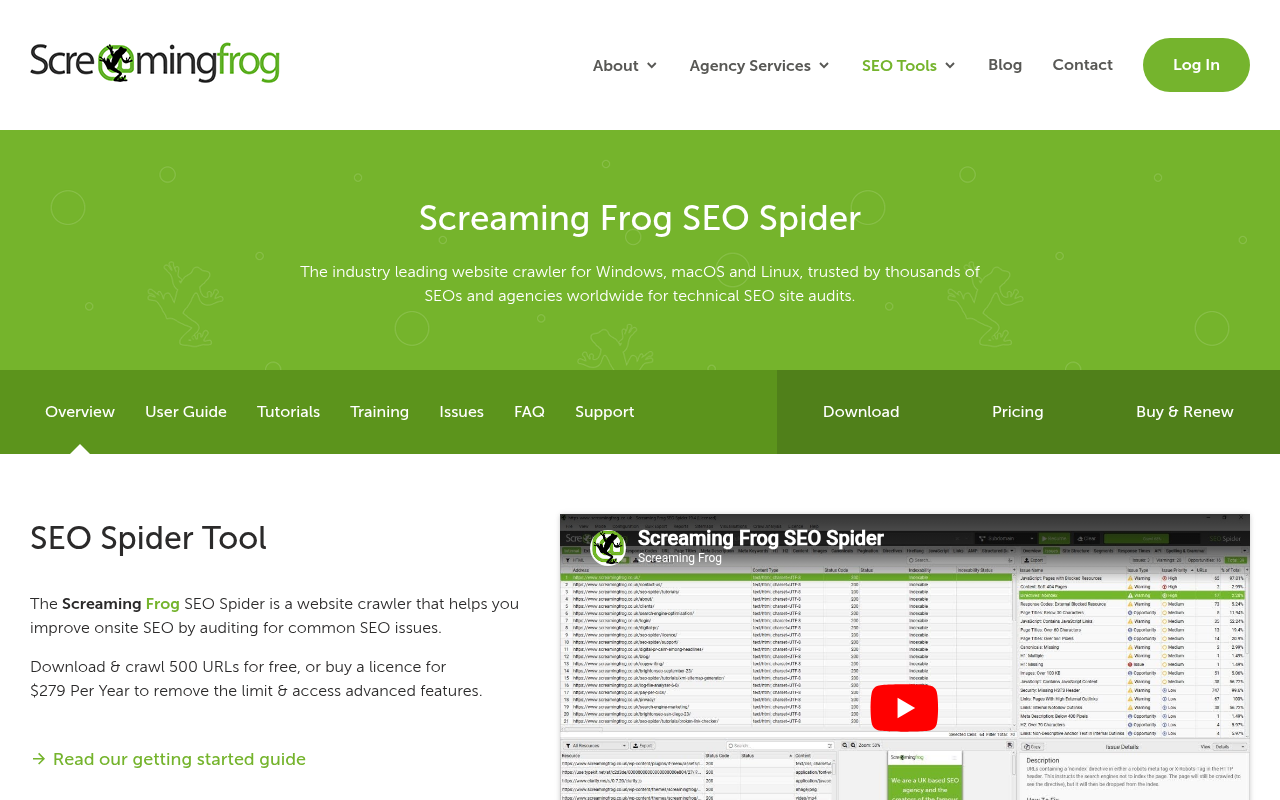
Once you have both crawls, the 'Compare' feature is where the real work begins. You can compare everything from word count and H1 tags to response codes and structured data for every URL. It’s a meticulous process that reveals every discrepancy. I've seen it uncover critical flaws hidden from daily view, like an entire mobile site missing its canonical tags.
2. Semrush Site Audit
Semrush offers a more user-friendly, cloud-based alternative. When setting up a Site Audit, you can choose a desktop or mobile user-agent, a simple but crucial step. For a parity audit, you must set up two separate projects for the same domain: one configured for the desktop crawler and one for the mobile.
While Semrush lacks a direct A-to-B comparison feature, you can export key reports from both projects and compare them in a spreadsheet. This method is less direct but still effective for spotting high-level issues, such as a major drop in pages with schema on the mobile crawl. Its strength lies in ease of use and automated scheduling, making it a solid choice for ongoing monitoring.
3. Ahrefs SEO Toolbar
Ahrefs' main Site Audit tool also lets you select a user-agent, following a similar process to Semrush: run two separate audits and compare the results. For quick, on-the-fly checks, however, the Ahrefs SEO Toolbar is surprisingly powerful for inspecting the on-page data of a single URL.

The trick is pairing the toolbar with your browser's developer tools. Load a page, analyze it, then switch your browser to mobile view (in Chrome, Inspect > Toggle device toolbar), refresh, and analyze again. This manual method is perfect for investigating a specific underperforming page. You can quickly see if the H1 changed, the word count dropped, or the schema disappeared.
4. Google Search Console
Of course, any audit must consult the source of truth. While Google Search Console (GSC) doesn't perform a parity audit for you, it provides the two most important pieces of the puzzle: how Google renders your page and which user-agent it uses.
The URL Inspection tool is non-negotiable. It tells you if a URL was crawled successfully and, crucially, which user-agent was used ('Crawled as: Googlebot smartphone'). The 'View Crawled Page' option shows you the rendered HTML that Google used for indexing. Comparing this with your desktop's source code is the most direct way to find discrepancies. GSC will flag mobile usability and structured data issues, but it won't explicitly state, “Your desktop page has this schema but your mobile one doesn't.” You have to connect those dots yourself.
Head-to-Head: Choosing Your Parity Audit Tool
Each tool approaches the problem from a different angle. There isn't a single 'best' tool; the right one depends on the depth of your audit and your team's workflow.
| Tool | Best For | Primary Method | Learning Curve | Key Strength |
|---|---|---|---|---|
| Screaming Frog | Deep, technical forensics | Side-by-side crawl comparison | High | Unmatched data granularity |
| Semrush | Scheduled monitoring & high-level checks | Parallel project reports | Low | Ease of use and automation |
| Ahrefs Toolbar | Quick spot-checks | Manual browser toggle & analysis | Low | Fast, on-page investigation |
| Google Search Console | Verifying Google's view | Rendered HTML inspection | Medium | Authoritative rendering data |
| Comparison of tools for conducting a desktop vs mobile SEO parity audit. |
The Verdict: Your Workflow Should Dictate Your Tool
So, which tool is definitively better? That's the wrong question. A real-world workflow uses a combination of them, each playing a specific role.
A smart approach combines tools for a complete picture:
- Deep Dives: For a one-off, comprehensive audit, Screaming Frog is king. Its raw, URL-by-URL comparison is what you need to build a business case for fixing parity issues.
- Ongoing Monitoring: Semrush is practical for automated, recurring checks. Setting up parallel desktop and mobile projects provides an early-warning system for new disparities after a code push.
- Daily Investigation: The Ahrefs Toolbar paired with Chrome DevTools is the SEO's scalpel. It's the fastest way to diagnose why a single page's rankings dropped without running a full site crawl.
- Final Validation: Always end with Google Search Console. No matter what other tools report, GSC's URL Inspection tool shows what Google actually saw and indexed. For scaling this validation across many URLs, a tool for bulk index checking can be invaluable.
Most teams stumble by treating mobile as a design check, not a data integrity audit. They run one crawl with a desktop agent and call it a day. Today, that’s like auditing only half your site. The teams that win are those that bake a mobile-first crawl into their regular technical SEO services and treat parity as a non-negotiable part of their process.
Beyond the Audit: Fixing What You Find
Finding the gaps is only half the battle; fixing them requires development resources. Your parity audit provides the concrete evidence needed to make the case. When you can show a developer, “The mobile template for our product pages is missing the entire block of structured data that exists on desktop,” you provide an actionable task, not a vague complaint.
The most common culprit is often separate mobile templates built to be 'lite' years ago and never updated. The best solution is to push for a unified, responsive component that serves the same underlying HTML to all devices and uses CSS for presentation. While this is a core principle of modern web development, many legacy systems still have divergent codebases. A broader ecommerce SEO audit guide can provide a framework where these parity checks are a crucial step, and an SEO content audit prompt can help structure your findings.
Frequently Asked Questions
What is desktop vs mobile SEO parity?
SEO parity means ensuring the mobile version of your site has the same essential content, structured data, internal links, and metadata as the desktop version. Since Google uses mobile-first indexing, anything missing from the mobile version is effectively invisible to the search engine for ranking purposes.
Why are my mobile rankings lower than desktop?
This is often a symptom of a parity gap. If your mobile site is missing important content, schema, or internal links that your desktop site has, Google sees it as a weaker page. Poor mobile page speed or usability issues can also negatively impact mobile rankings.
Does responsive design guarantee SEO parity?
Not always. While responsive design is the best foundation as it uses the same HTML, developers can still hide or remove elements on smaller screens using CSS or JavaScript. A true parity audit verifies that core content and data are present in the mobile HTML, even if displayed differently. It's also wise to use different ways to check indexed pages to confirm what Google is seeing.
How often should I run a parity audit?
A deep-dive parity audit should be performed at least quarterly and after any major site redesign or platform migration. It's also smart to run automated, high-level checks weekly to catch any new discrepancies introduced by code updates.
Can I just audit the mobile site and ignore the desktop?
Prioritizing the mobile audit is correct since Google uses the mobile version for its index. However, auditing both is necessary to identify gaps. The desktop site often represents the 'complete' version of your content, making it the perfect benchmark to measure your mobile version against.
